
№ 01.1 / Office Suite — Mail
Mail · Calendar · Contacts · Tasks
№ 01.1 · part of the suite
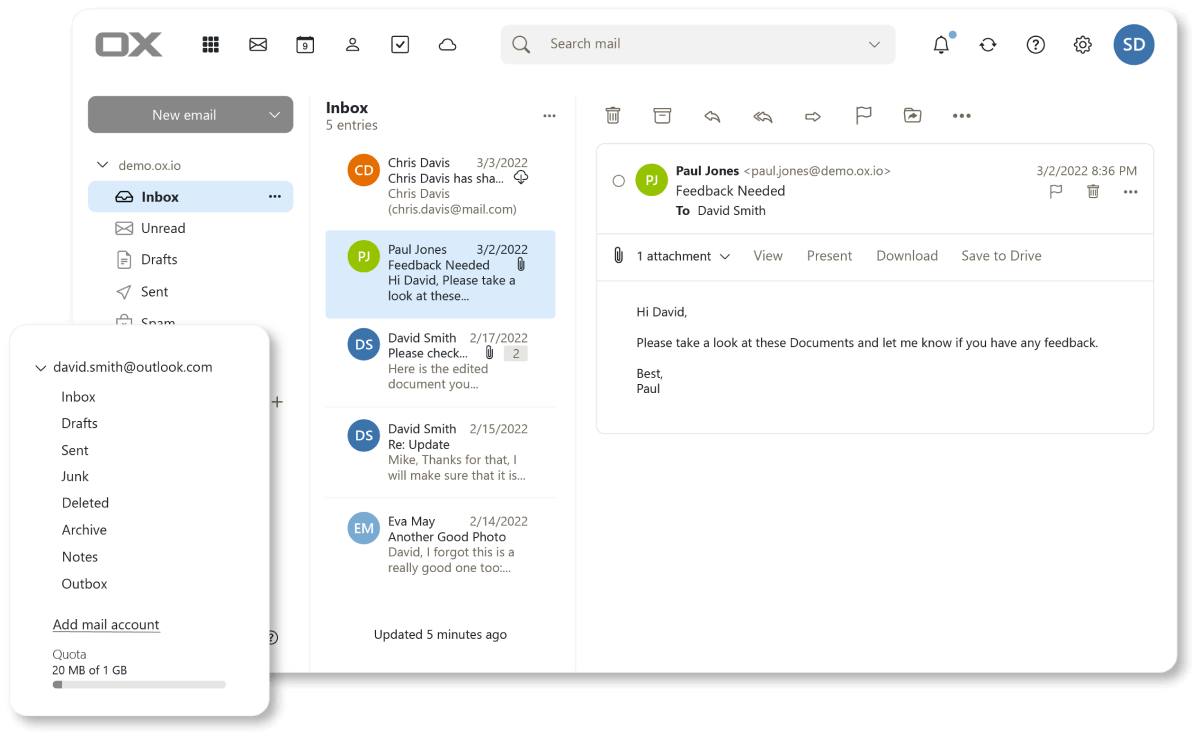
Webmail, calendar, contacts and tasks — one window, like Outlook.
What it does
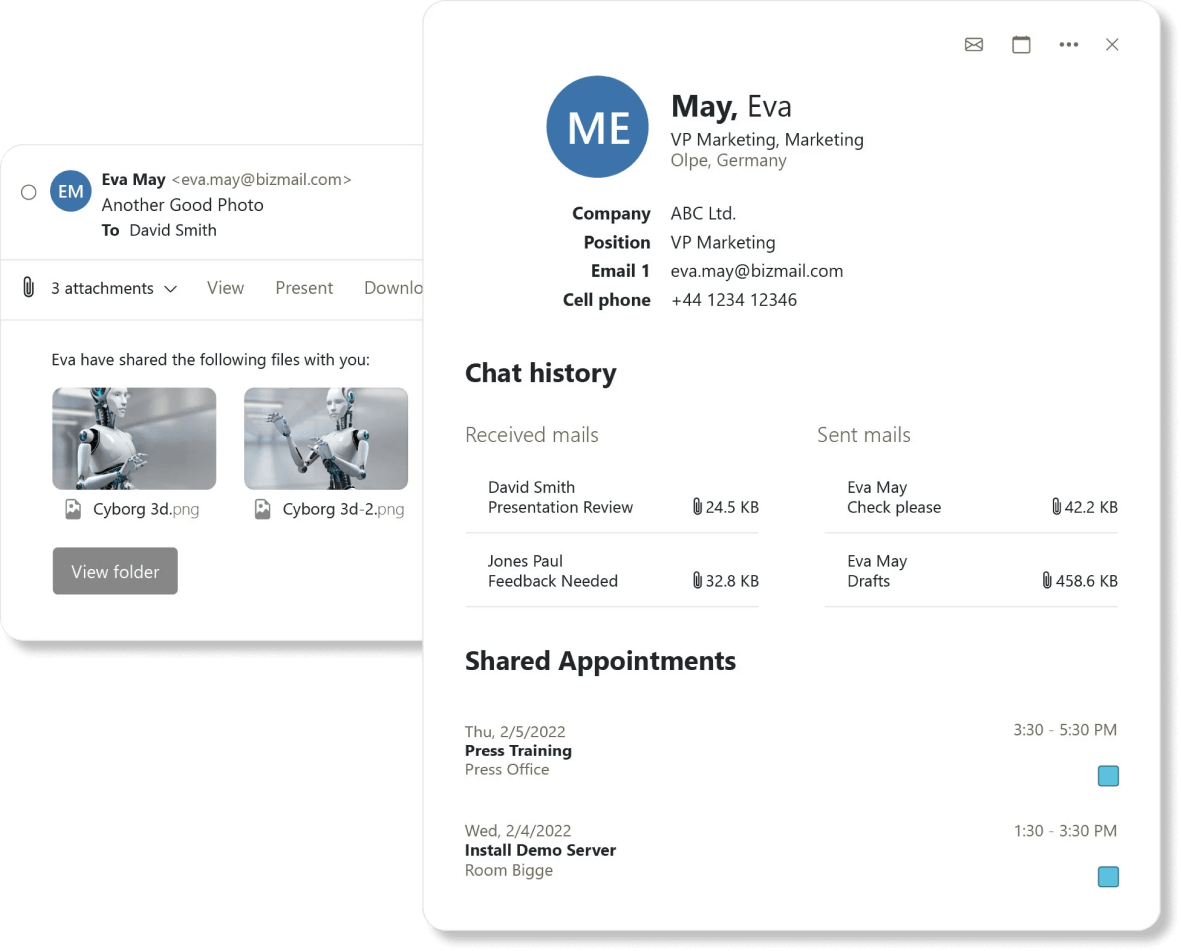
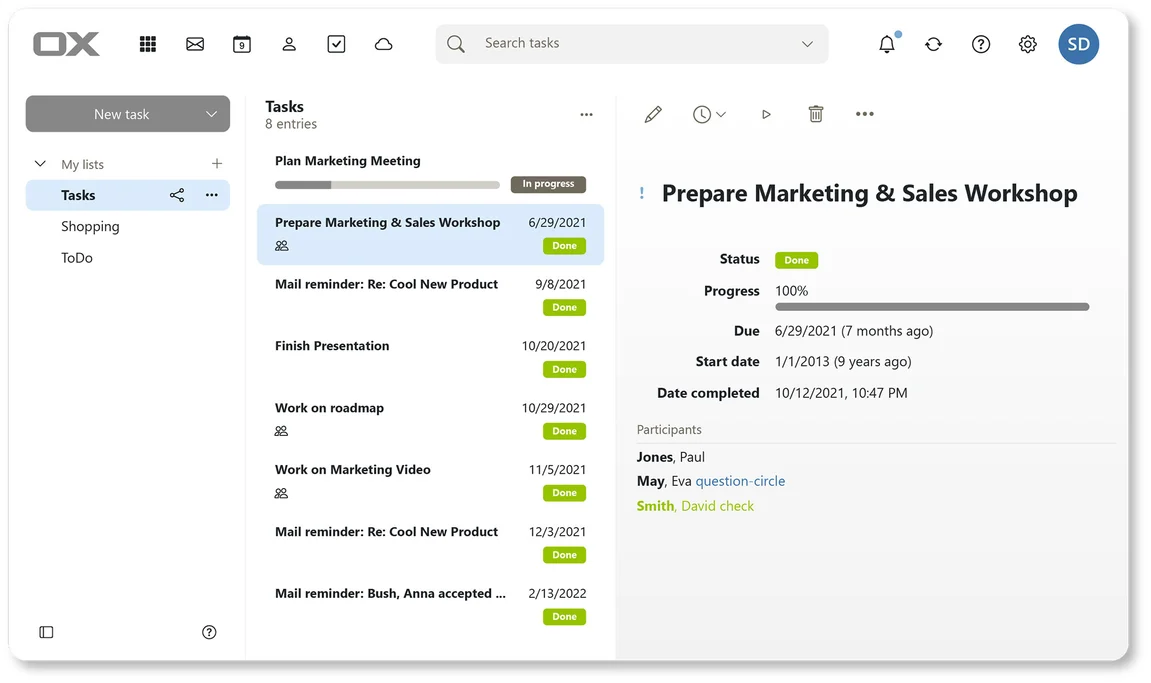
Your team's mailboxes, calendars, contacts and tasks under one login, in one window. Works with every native mail app — iPhone, Android, macOS Mail, Outlook, Thunderbird — over open standards, so nobody has to learn a new client. Rules, signatures and out-of-office sit on the server, so they apply whether you're on a laptop or a phone.
OX App Suite · Open-Xchange
№ 01 · Featured
One window, four apps
Mail, calendar, contacts and tasks share a single Outlook-style UI — switch with one click, no second sign-in, no second password.
✓ Included in every tier
Visual to be produced
Side-by-side iPhone and Android home screens. Apple Mail showing a fresh inbox with a notification banner from the OX server; iOS Calendar overlay showing a recurring meeting that just synced; Android Mail icon with unread badge.
№ 02 · Featured
Push to iPhone and Android
Mail, calendar and contacts push to the apps that ship with the phone — Apple Mail, iOS Calendar, Google's Mail and Contacts. Nothing extra to install.
✓ Included in every tier
Visual to be produced
Sieve rules editor — a sortable list of named rules ('Move invoices to /Finance', 'Forward to assistant when On-call'), each row showing condition (From / Subject / Has-attachment) → action (Move / Forward / Reply with template).
№ 03 · Featured
Server-side rules and filters
Sort, redirect, flag and auto-reply — applied on the server, so the same rules run whether you're on a laptop or a phone.
✓ Included in every tier
Visual to be produced
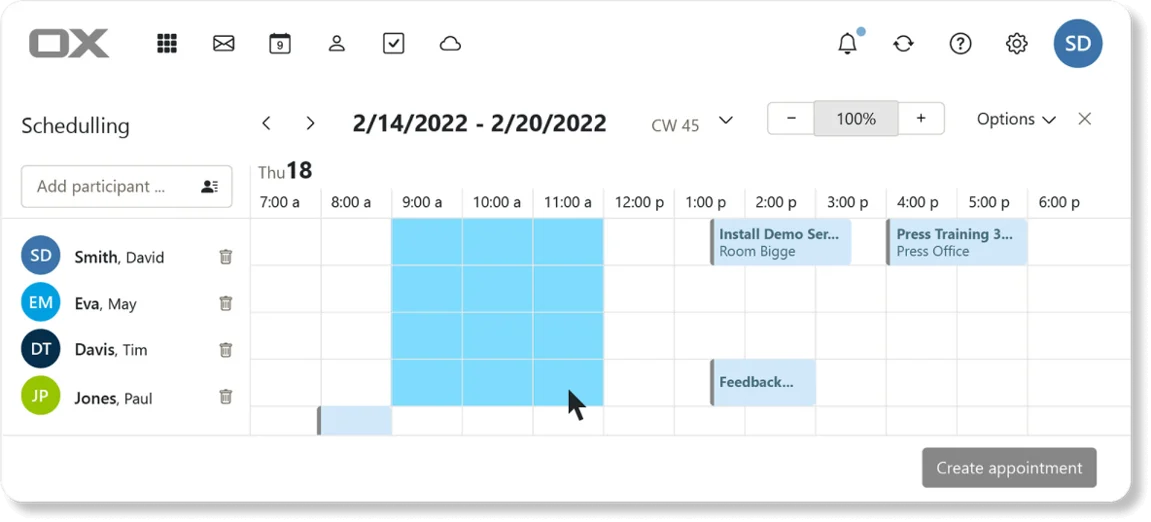
Group calendar with three colour-coded overlays (Marketing, Engineering, CEO). Right-side panel shows free/busy availability for the next 8 working hours; one slot highlighted as 'all available'.
№ 04 · Featured
Shared calendars and address books
Group calendars with free/busy view, shared distribution lists, delegated mailboxes — the team sees who's available without asking.
✓ Included in every tier
Visual to be produced
Compose window with a green padlock badge in the header, 'Signed by anne@yourcompany.eu' indicator, recipient row showing a verified-key checkmark. PGP encryption toggle visible in the toolbar.
№ 05 · Featured
End-to-end encryption built in
Per-message encryption available for the conversations where leak risk has to be zero — supplier negotiations, board minutes, regulated workflows.
✓ Included in every tier
Also included
The operational layer.
Works with every desktop client
Apple Mail, Outlook and Thunderbird connect over IMAP, SMTP, CalDAV and CardDAV.
Vacation responder and signatures
Set once, applied across desktop and mobile.
Two-factor login
TOTP and WebAuthn (YubiKey, Touch ID) on every account.
Login brute-force protection
Built-in shield blocks credential-stuffing attempts at the auth layer.
30-day deleted-item recovery
Soft-delete window plus admin-side recovery for accidents.
Available in
Every tier — in the browser.
Mail ships in Core, Mesh and Fleet — same software, same features. The difference between tiers is operational: Mesh and Fleet add a desktop launcher and (for applicable apps) a sync client, and Fleet adds the managed laptops we ship with everything pre-configured.