
№ 01.3 / Office Suite — Chat
Chat
№ 01.3 · part of the suite
End-to-end encrypted team chat with voice, video and screen share.
What it does
Team channels and direct messages with end-to-end encryption on by default — your messages live on your server, not someone else's. Threads, replies, reactions, voice notes and screen share work the way your team already expects from Slack or Teams. The desktop and mobile apps are real native clients, not browser wrappers.
Element · New Vector Ltd. · via element.io
№ 01 · Featured
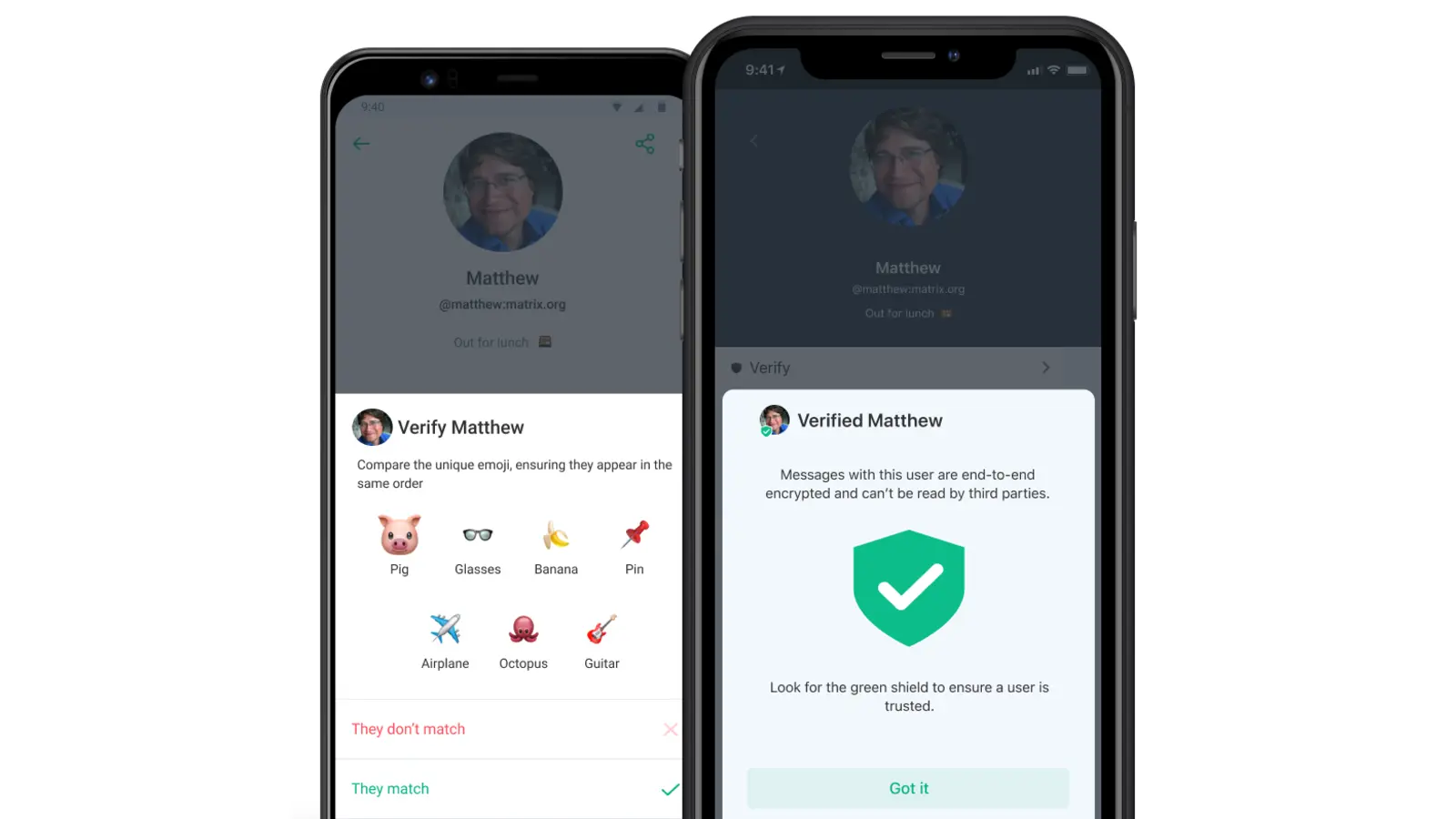
End-to-end encryption on by default
Direct messages and team rooms — only the people in the room can read what's said. Your server holds ciphertext only.
✓ Included in every tier
Element · New Vector Ltd. · via element.io
№ 02 · Featured
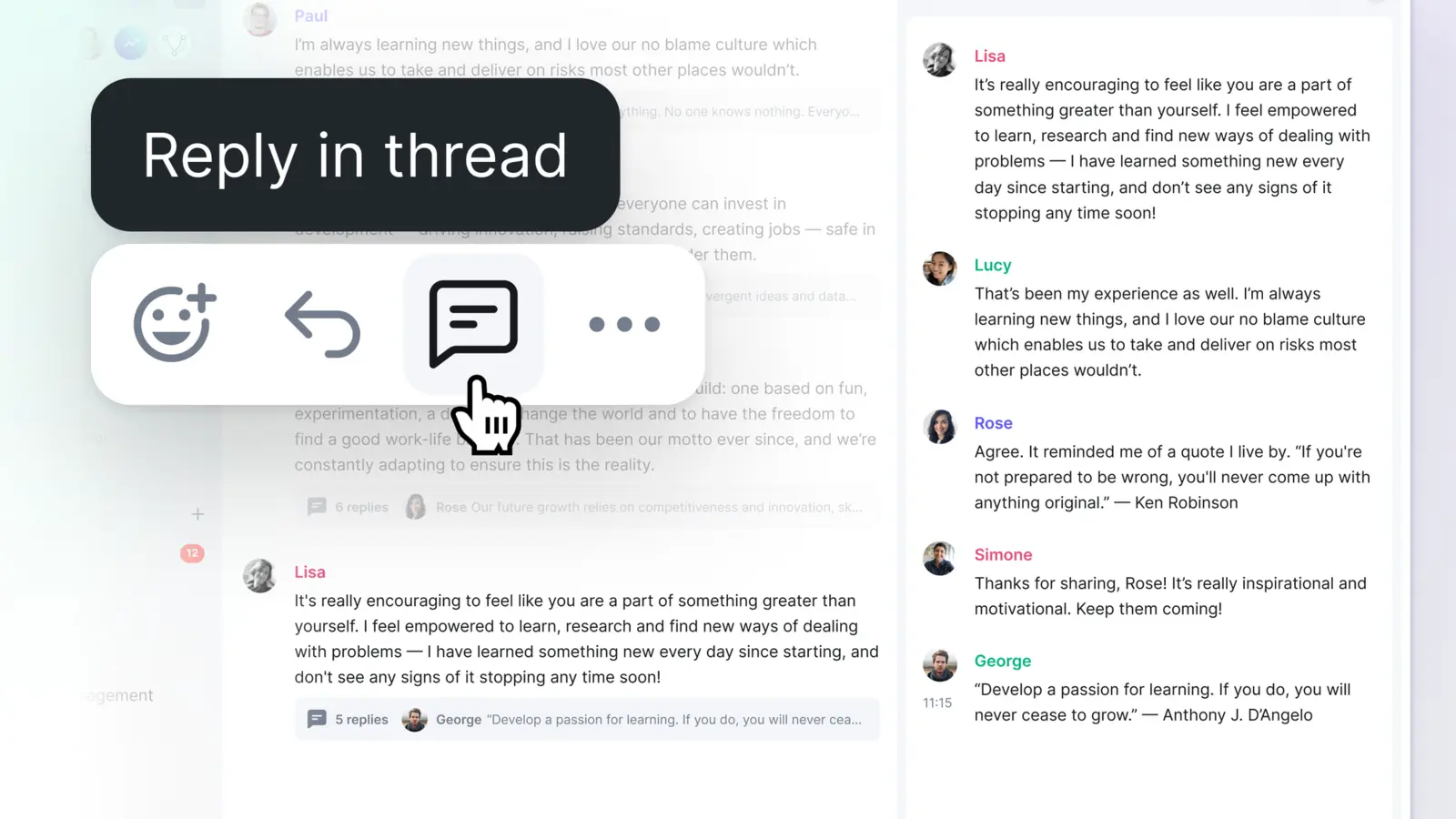
Threads, replies, edits, reactions
Every conversation pattern your team already uses — emoji reactions, threaded replies, editing and redaction — without anyone needing to migrate.
✓ Included in every tier
Element · New Vector Ltd. · via element.io
№ 03 · Featured
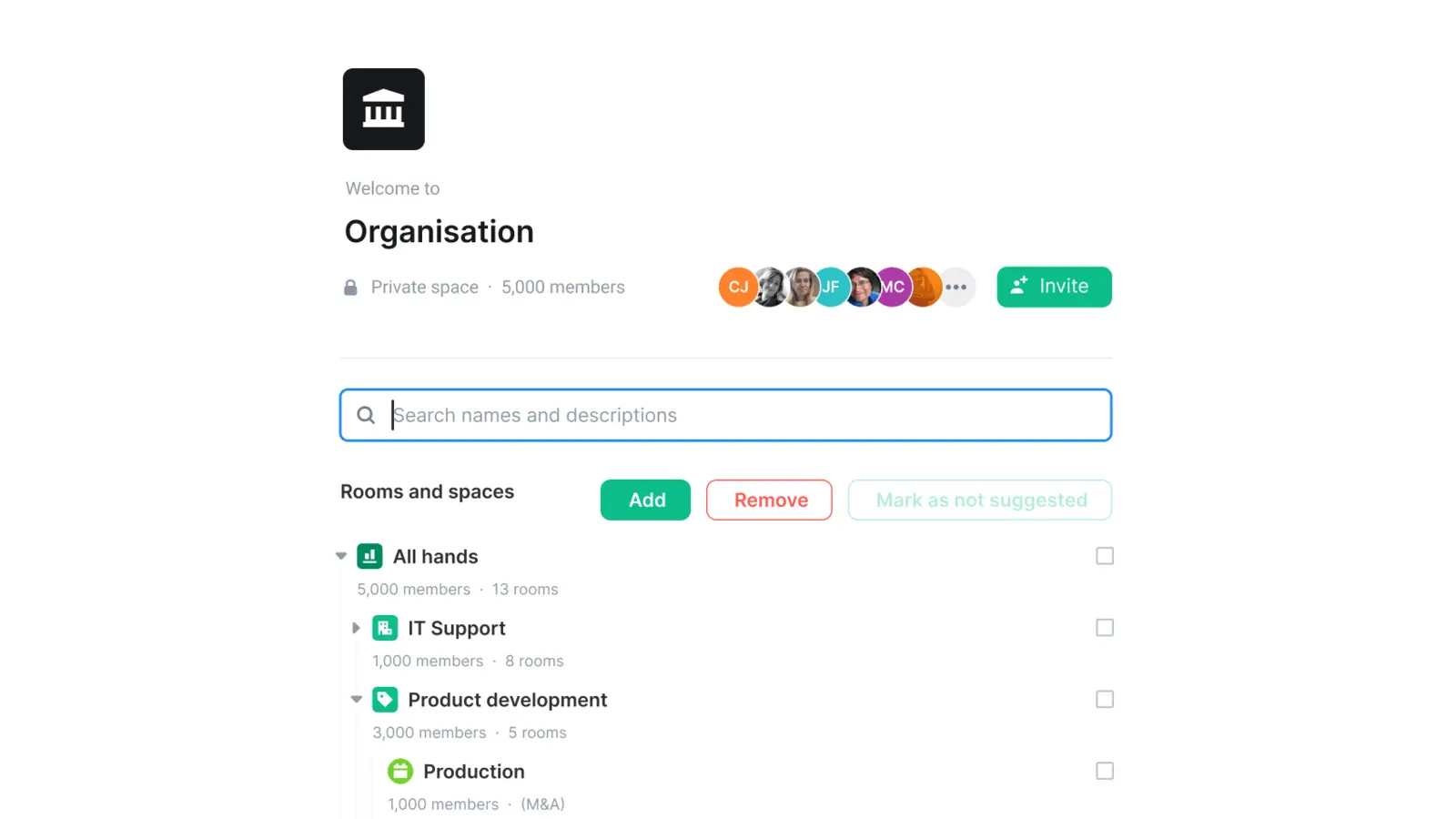
Spaces — rooms in a hierarchy
Group rooms by team or topic — one Space per department, rooms inside. Same layout your team knows from Teams or Slack.
✓ Included in every tier
Element · New Vector Ltd. · via element.io
№ 04 · Featured
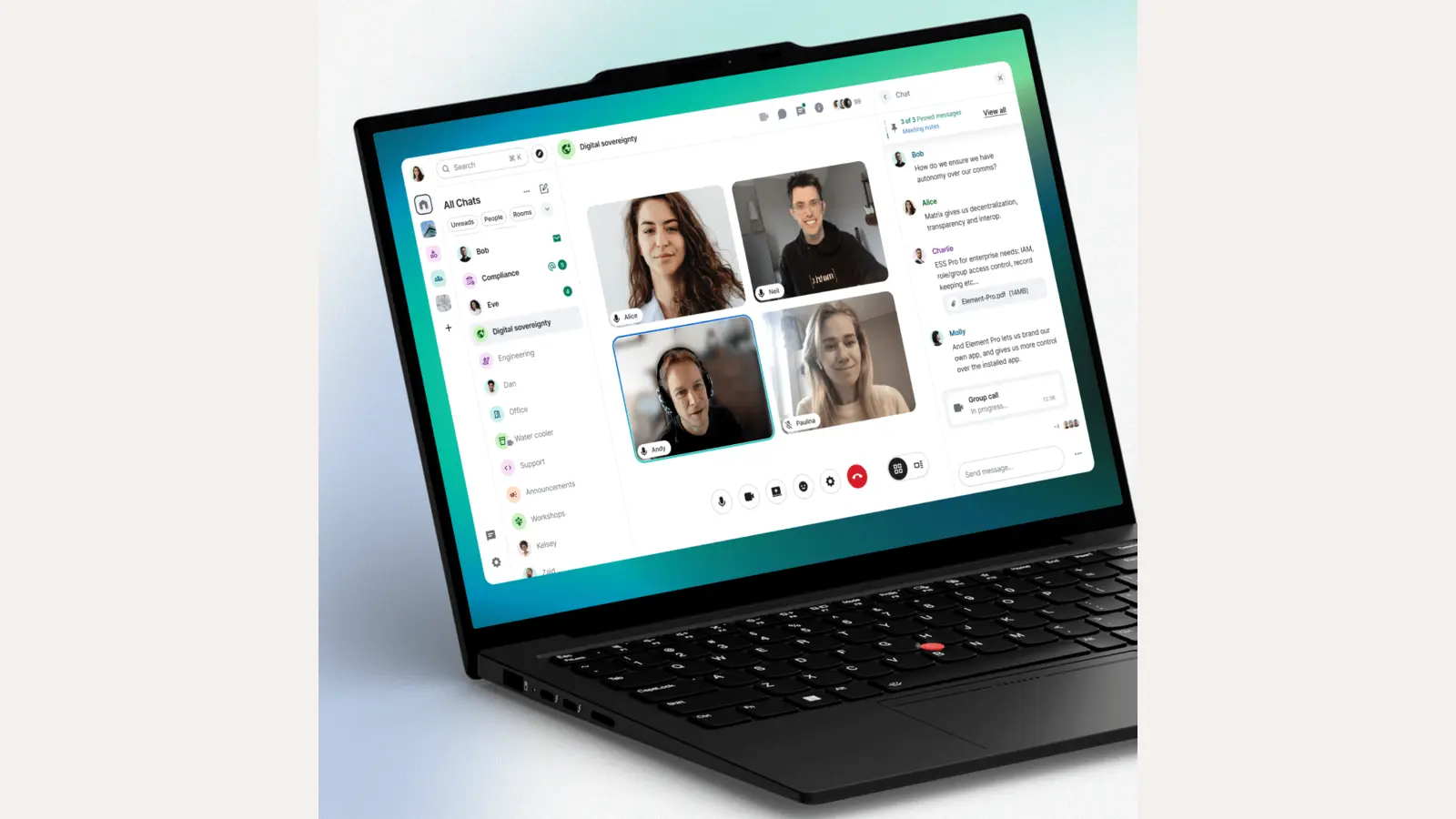
Group voice and video calls
1:1 and small-group calls without leaving the chat. Screen share, raise hand, mute everyone.
✓ Included in every tier
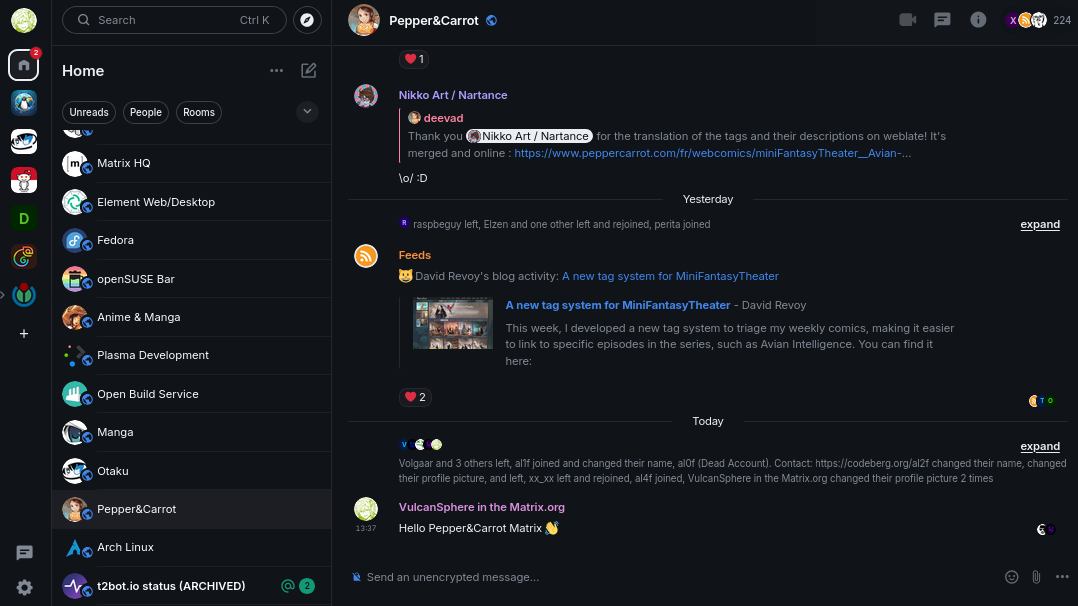
Element 1.12.7 · VulcanSphere / New Vector Ltd. · AGPLv3 via Wikimedia Commons
№ 05 · Featured
Native desktop apps
Real desktop clients on Windows, macOS and Linux — system tray, native notifications, persistent presence, secure key backup.
✓ Included in every tier
Also included
The operational layer.
Native iOS and Android apps
Push notifications, on-device decryption, secure key backup.
Cross-signing and secure backup
Verify your devices, recover your encryption keys if a phone is lost.
Federation off by default
Your tenant is closed unless you explicitly open it — no surprise outside contact.
Screen share, file share, voice messages
Polls, locations and reactions inside any room.
Bridges available
Connect to IRC, Slack, WhatsApp or SMS during a migration window.
One thing to know
Group video calls scale fine for SMB-sized rooms; very large town-halls are better served by /office/videoconference.
Available in
Every tier — in the browser.
Chat ships in Core, Mesh and Fleet — same software, same features. The difference between tiers is operational: Mesh and Fleet add a desktop launcher and (for applicable apps) a sync client, and Fleet adds the managed laptops we ship with everything pre-configured.