№ 01 / Pillar
Ten apps, one login, in your browser — and on the desktop too.
The full open-source workplace suite, set up the day you sign, hosted in the EU, billed at one published price.
One window, four apps
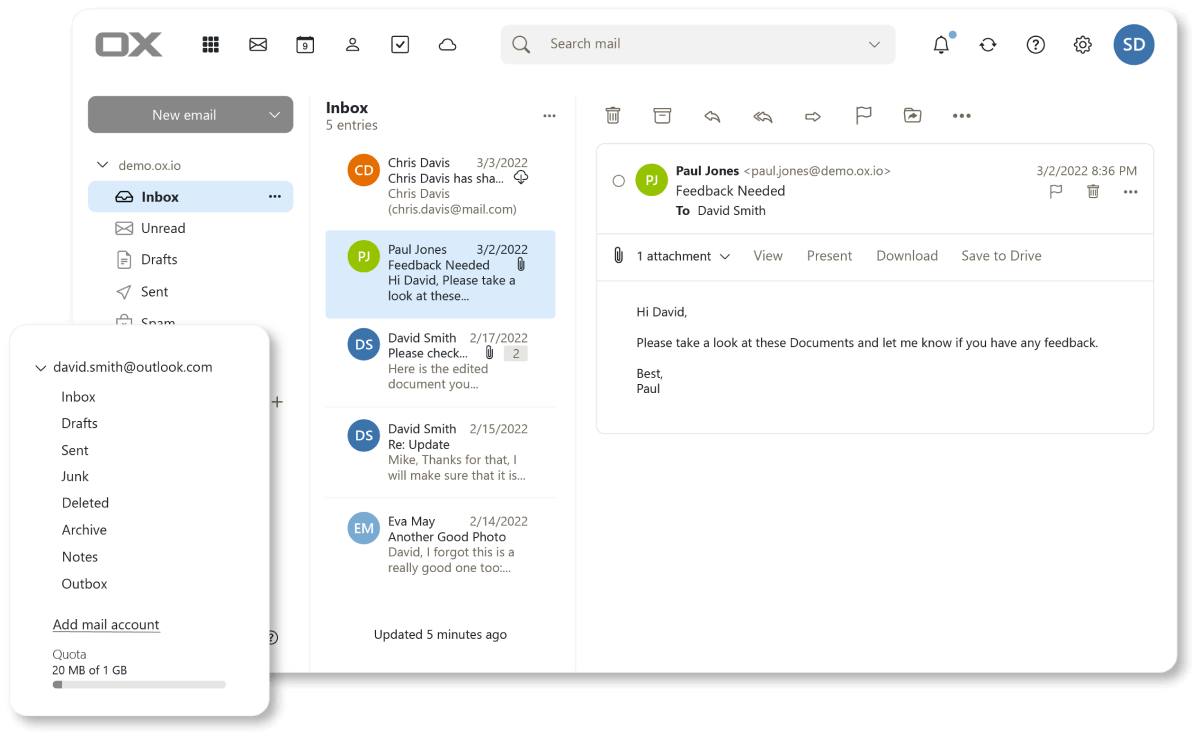
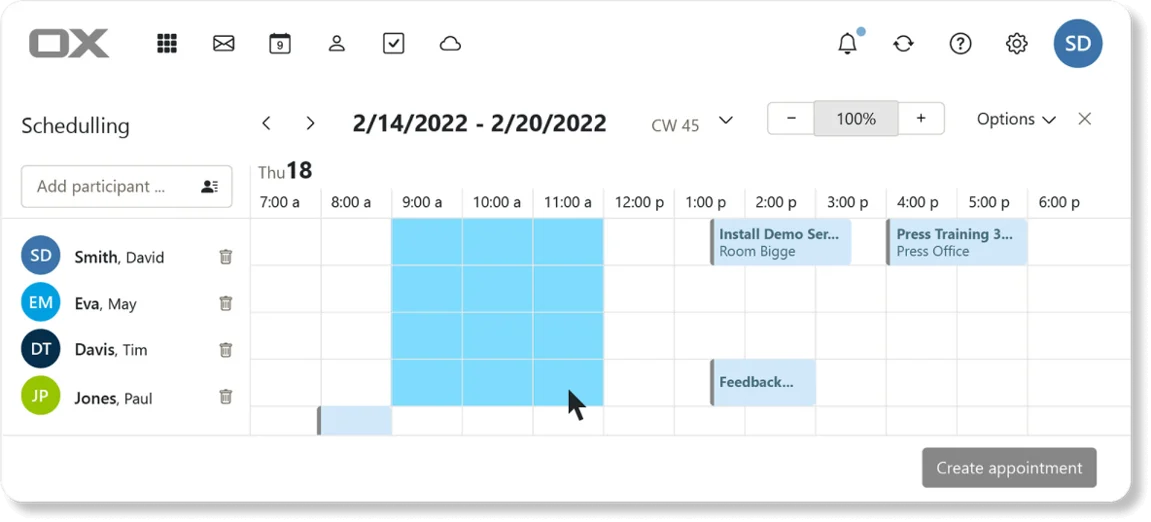
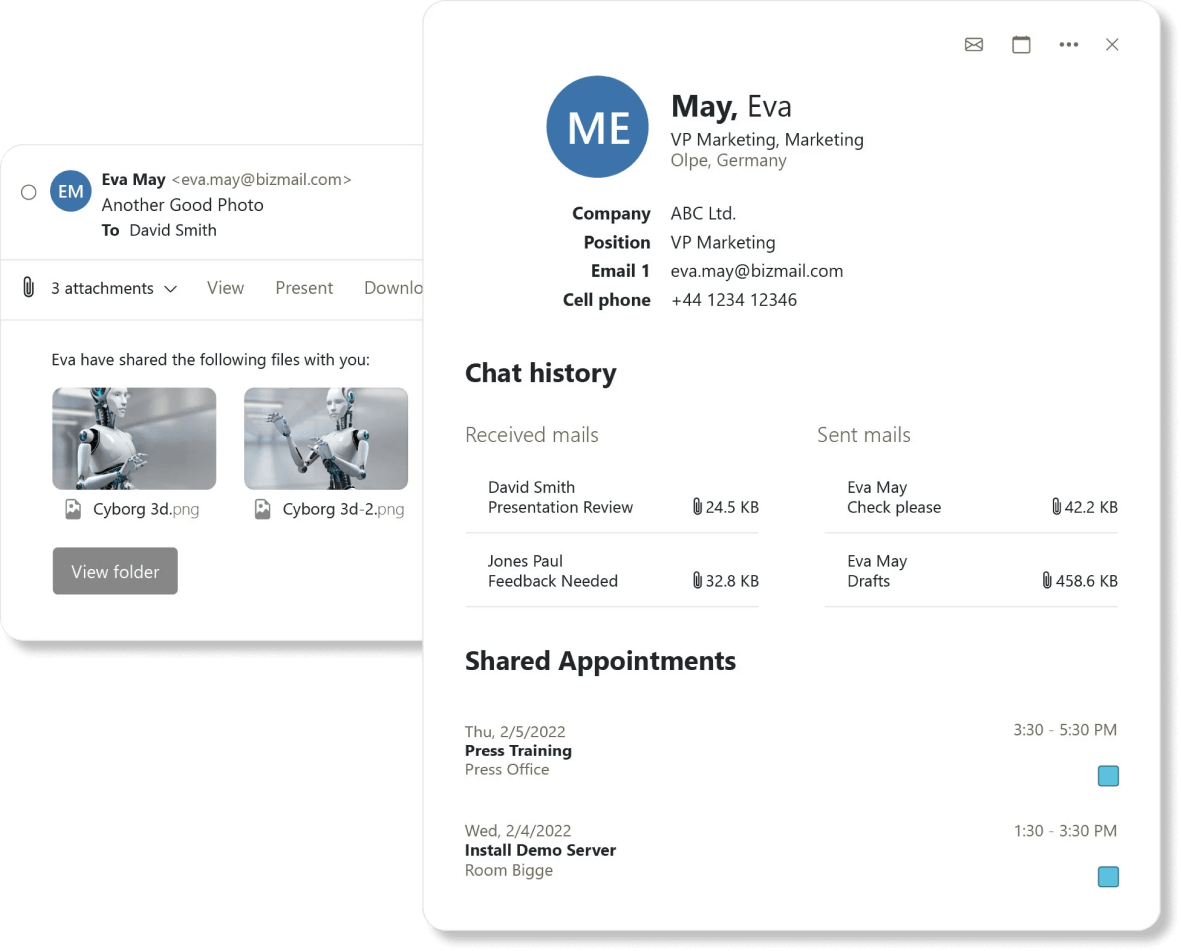
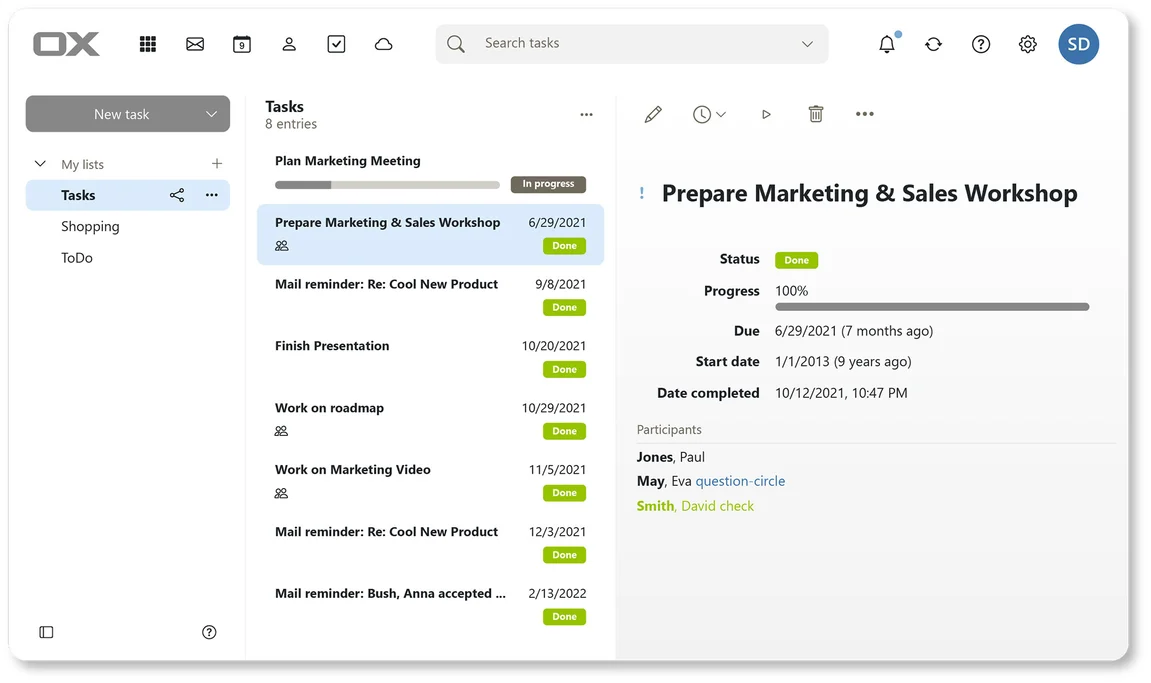
Email, Calendar, Contacts and Tasks share a single Outlook-style window — switch with one click, no second sign-in. Files, Chat, Videoconference, Projects, Knowledge and Notes ride the same login, each in its own window or tab.
№ 01
Open source
Mail · Calendar · Contacts · Tasks
Mail, calendar, contacts, tasks — one window, like Outlook. Works with the iPhone and Android mail apps your team already uses.
Learn more →
№ 02
Open source
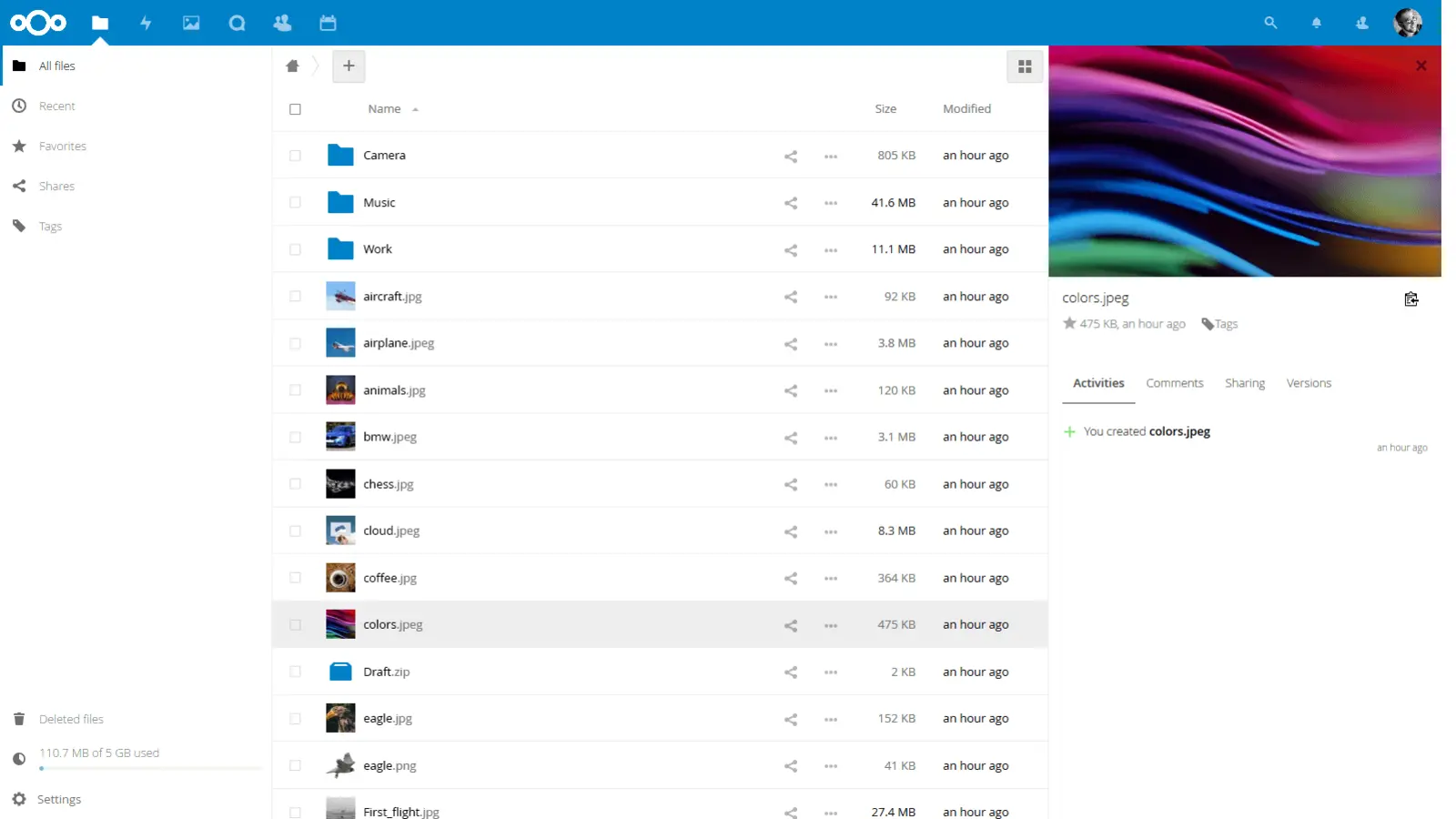
Files
Sync clients for Windows, Mac, Linux, iOS, Android. Real-time co-editing of Office documents in the browser. Public share links, version history.
Learn more →
№ 03
Open source
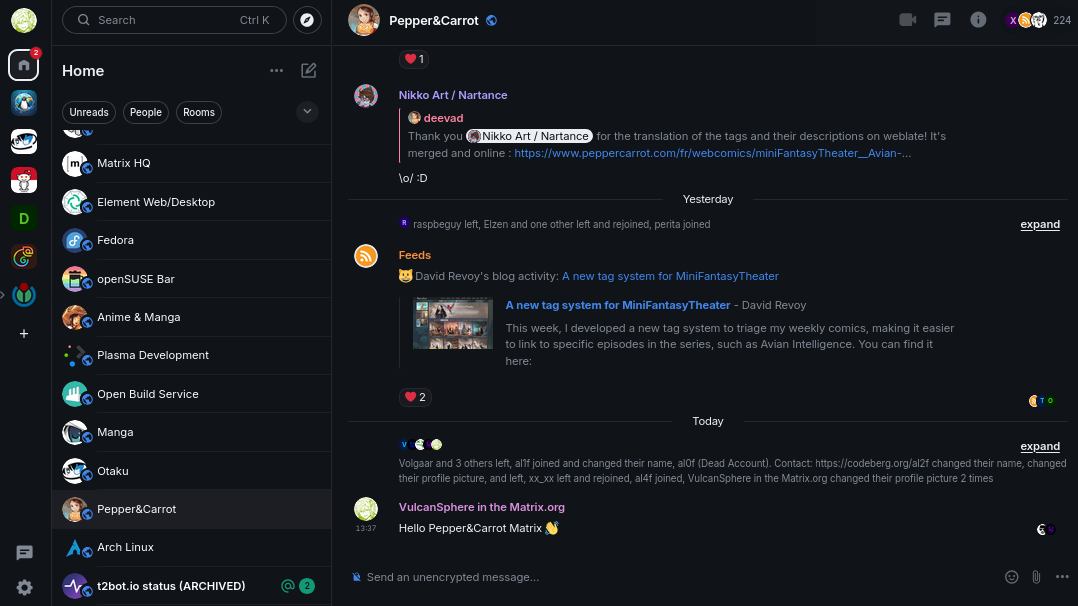
Chat
Persistent team channels, voice, screen share. Your messages live on your server, not someone else's.
Learn more →
№ 04
Open source
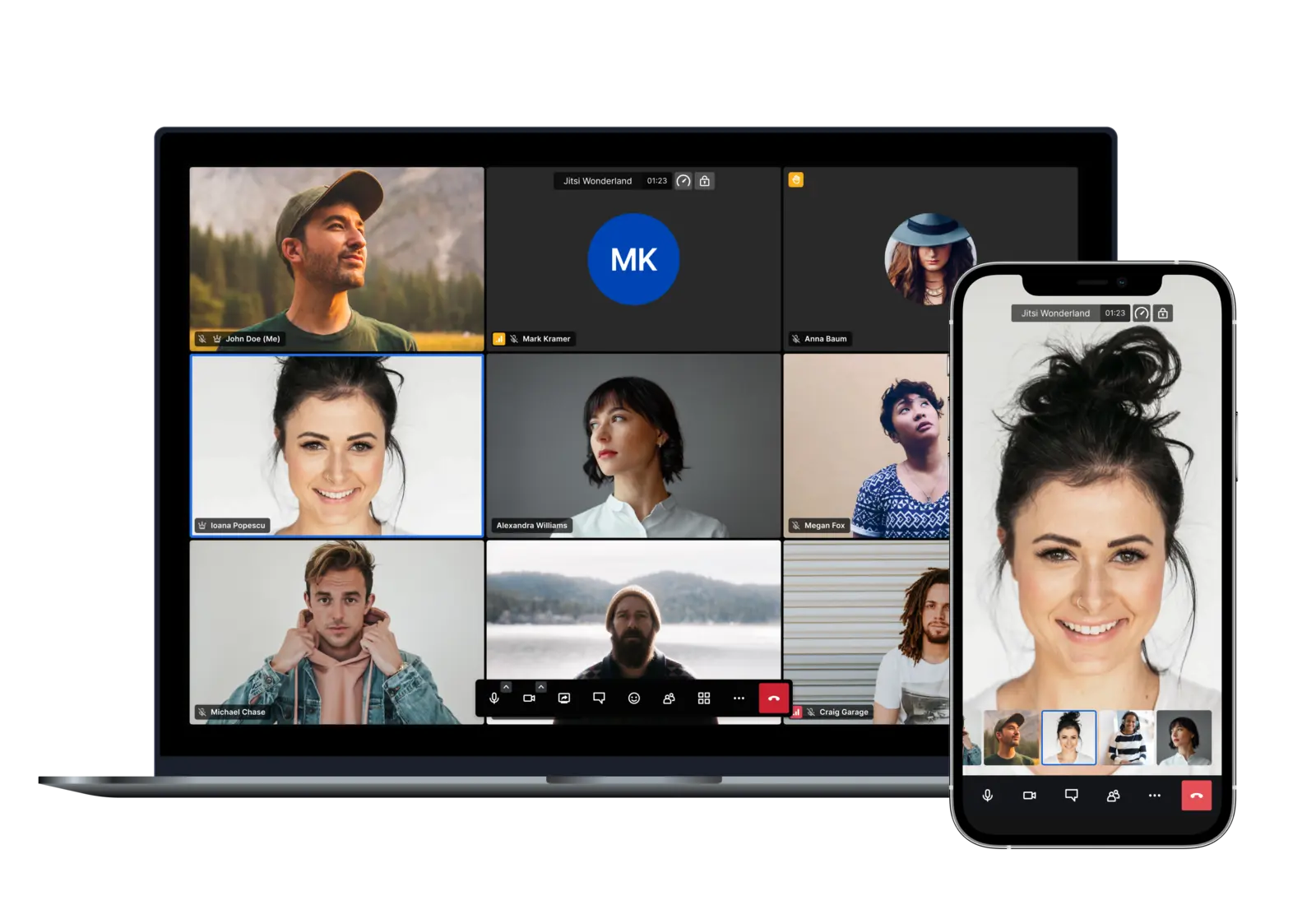
Videoconference
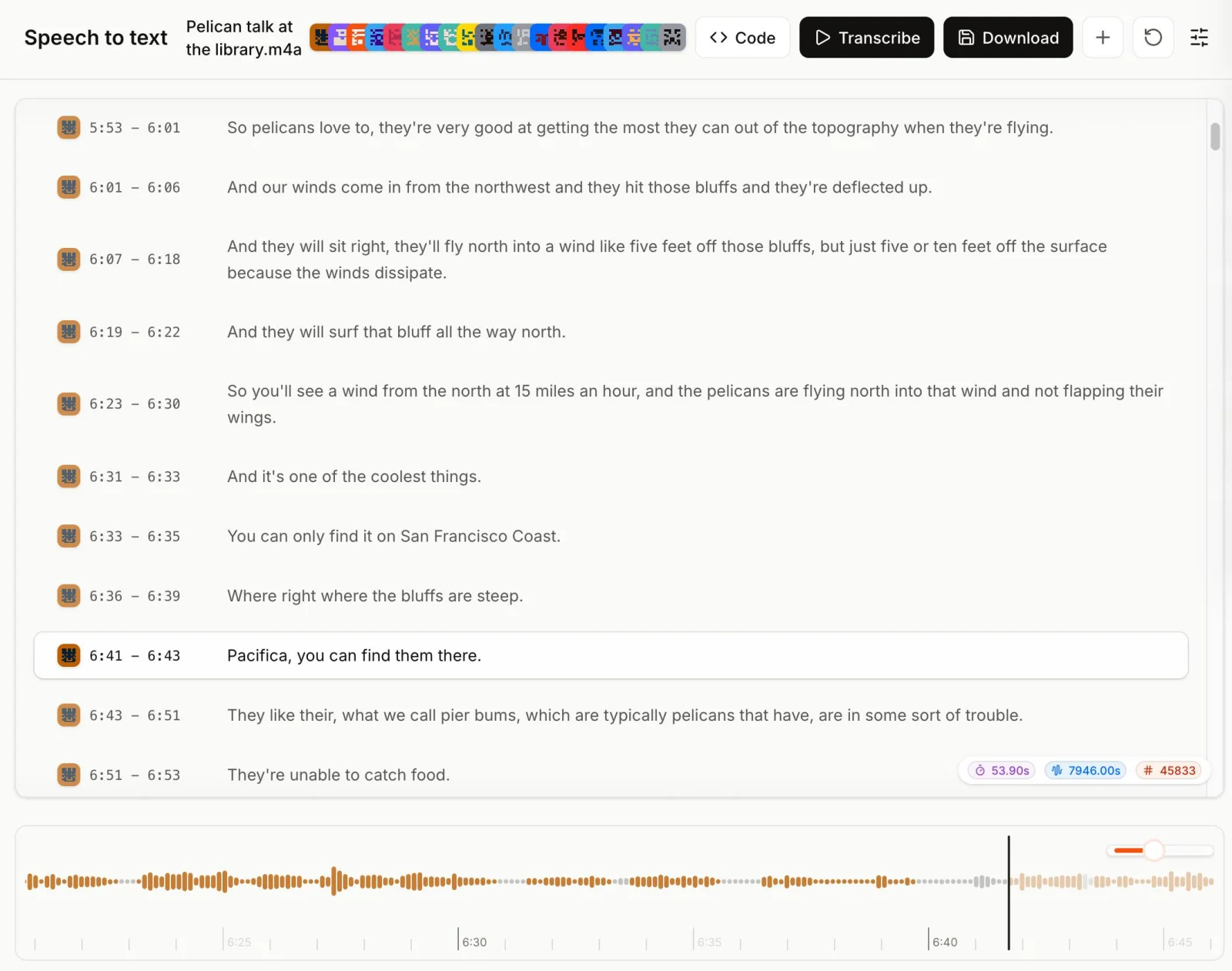
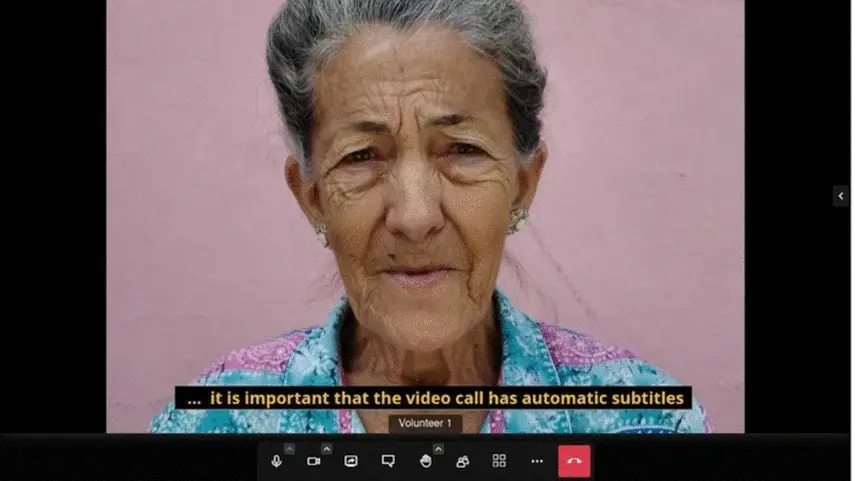
Open in the browser, no install, no plugin. Up to ~75 in a room. Recording, breakout rooms, dial-in optional.
Learn more →
№ 05
Open source
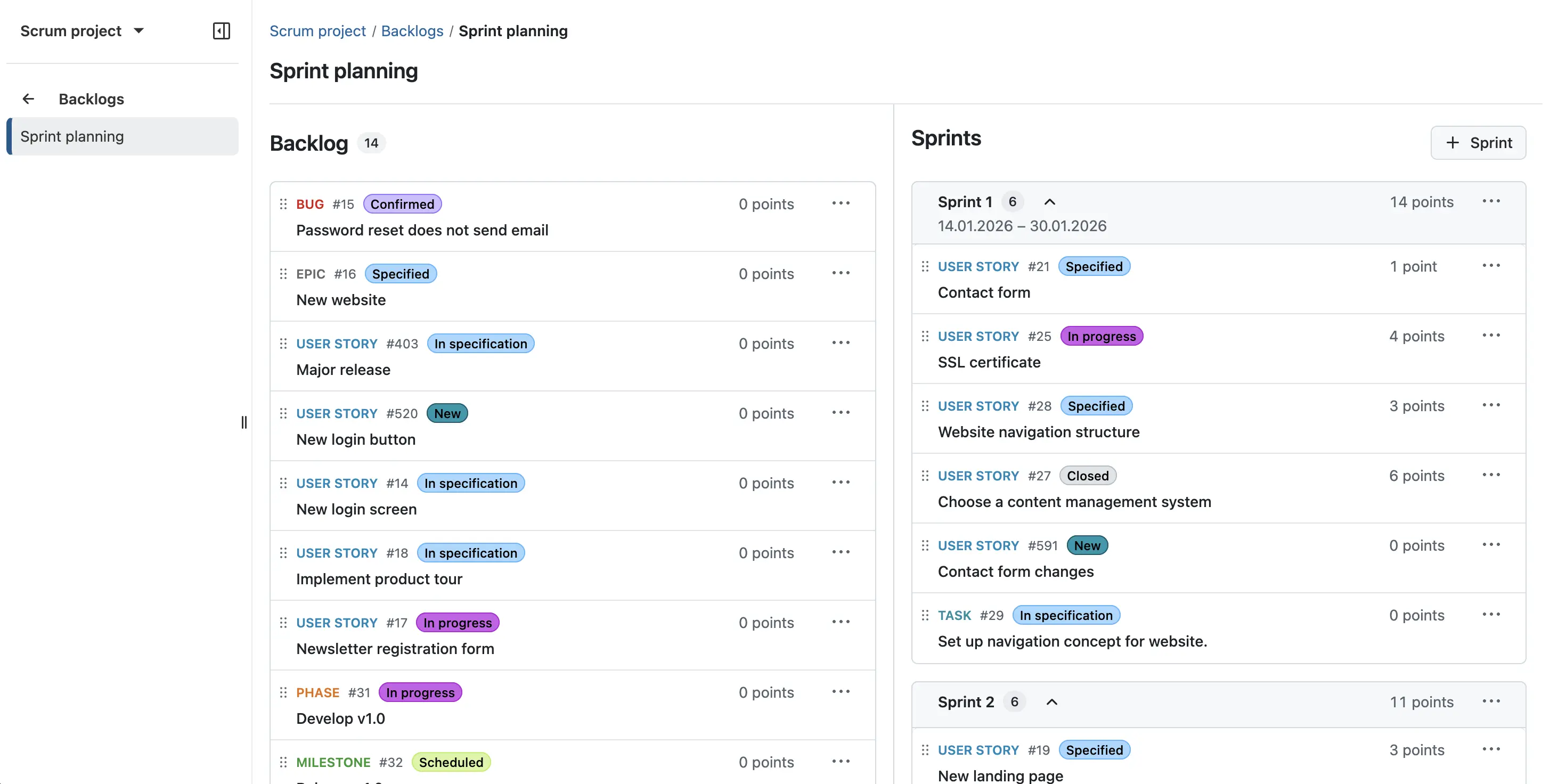
Project management
Gantt, kanban, timelines, time tracking. Integrates with the wiki.
Learn more →
№ 06
Open source
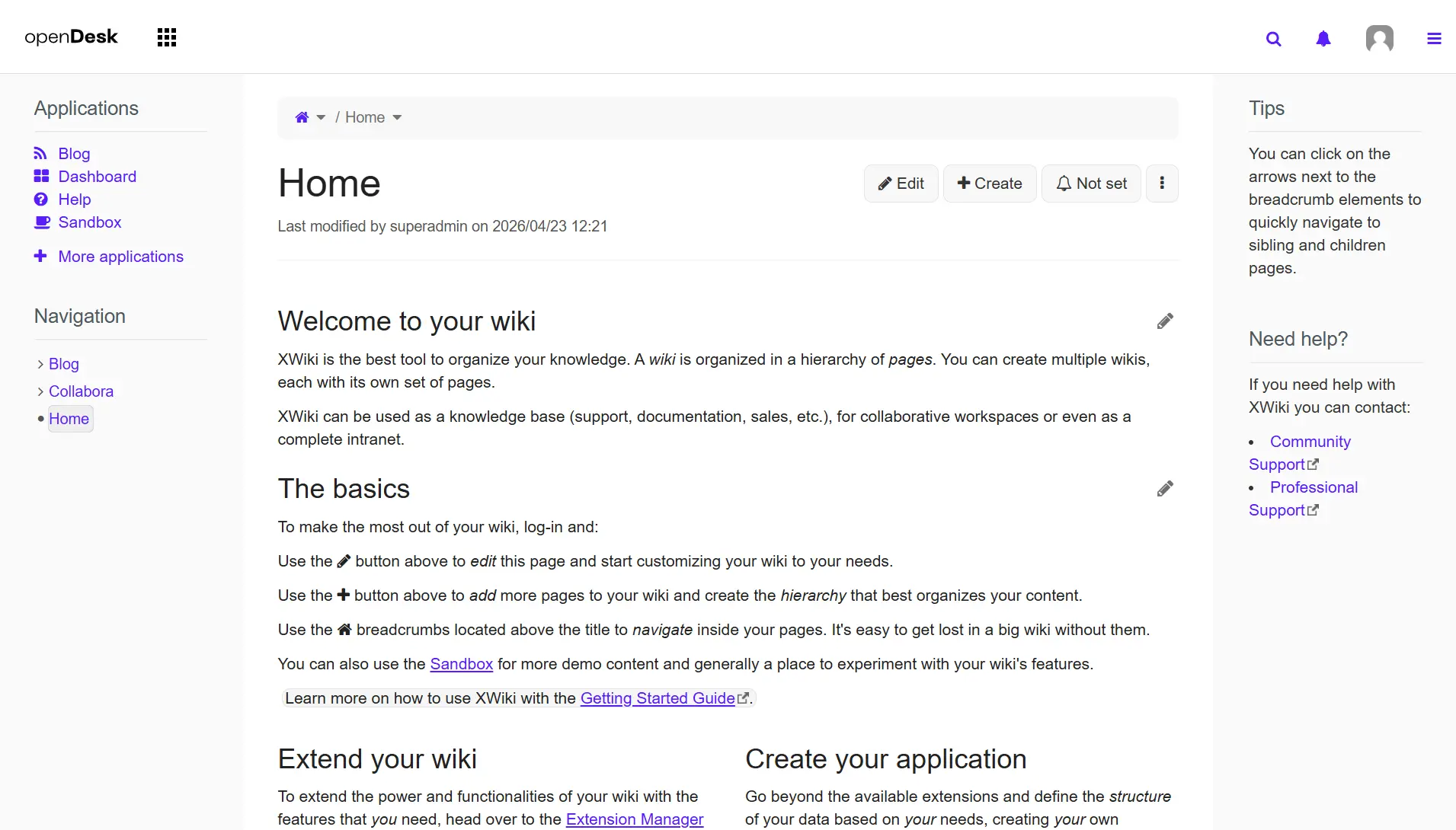
Knowledge
Structured pages, macros, attachments. Where the company memory lives.
Learn more →
№ 07
Open source
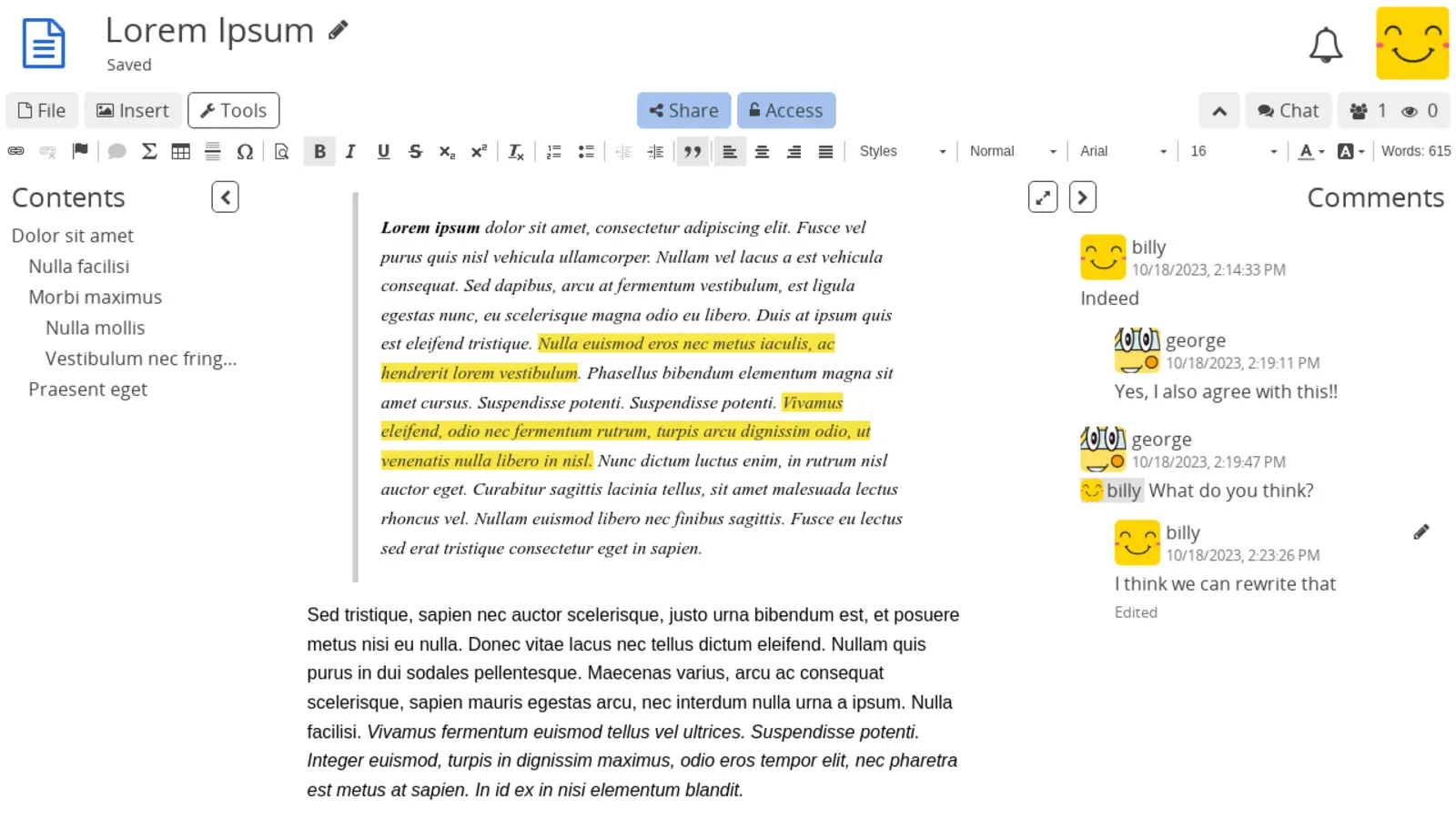
Notes
Personal and team notes — pages and sub-pages, real-time co-editing, encrypted on the server.
Learn more →

№ 08
+ Add-on
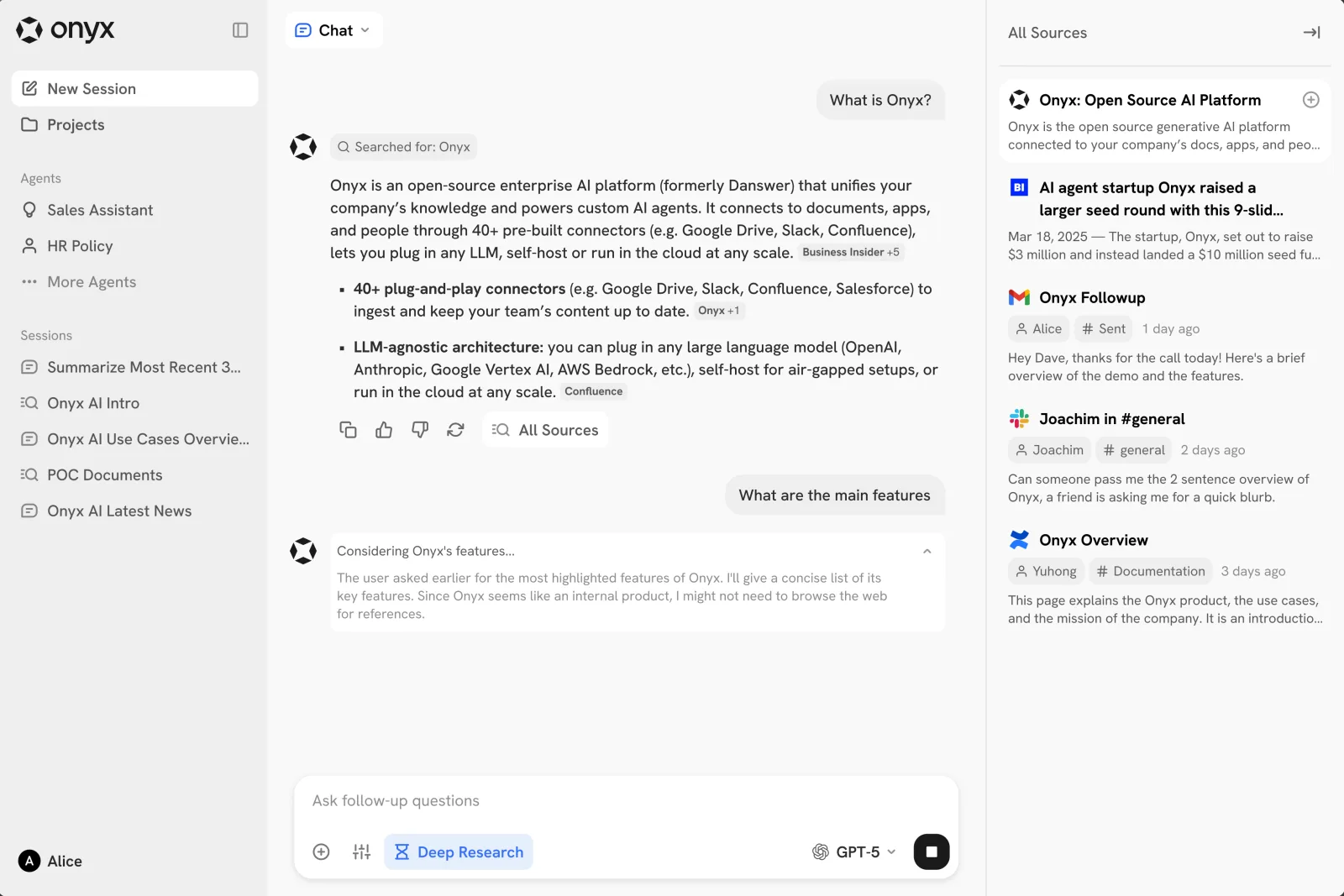
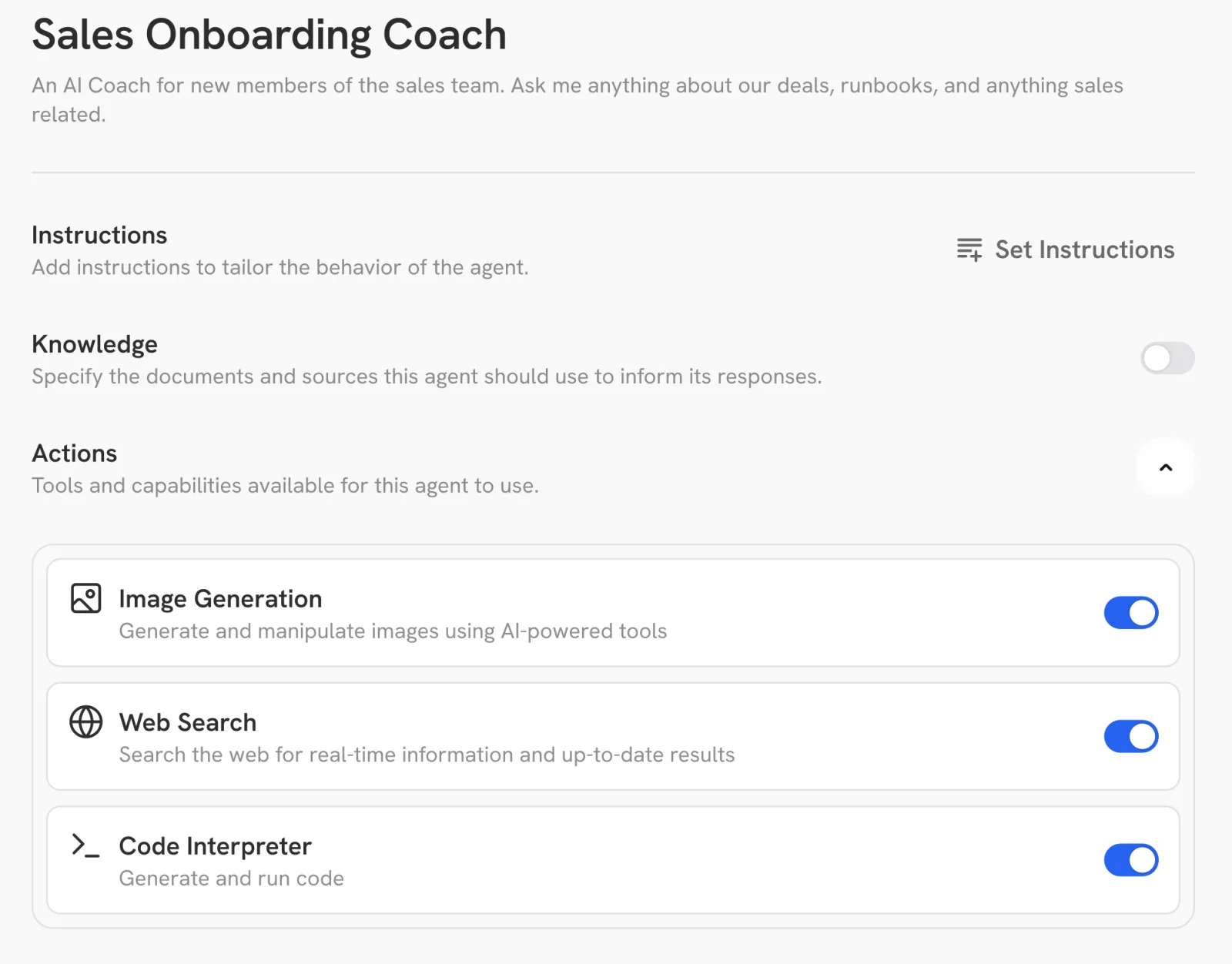
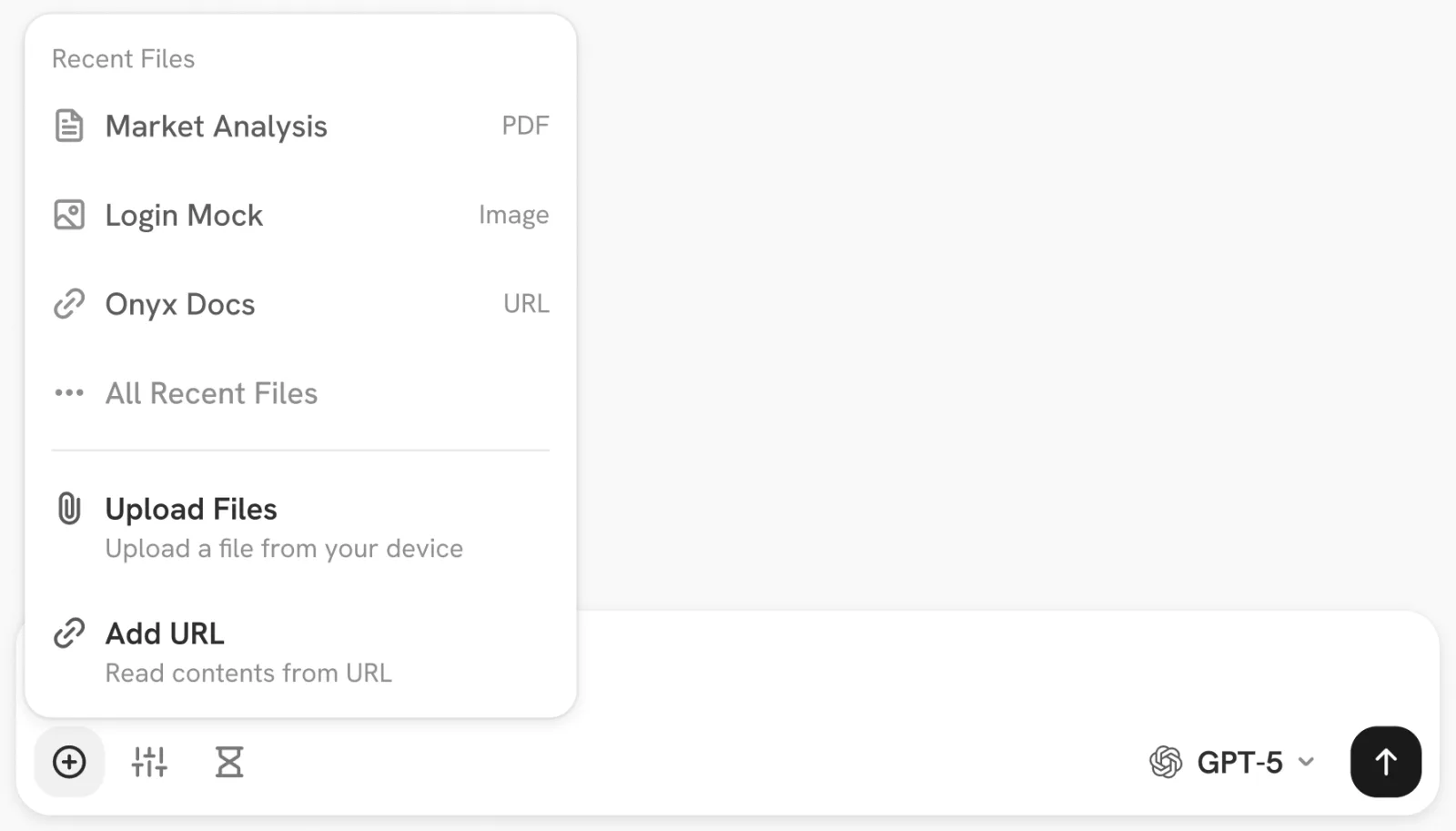
Intelligence
Optional add-on. A dedicated AI workspace that knows your team's mail, files and wiki — chat-style search and answers with sources you can click through to. Powered by Onyx + Mistral, hosted in the EU.
Learn more →
OX App Suite · Open-Xchange · Nextcloud · github.com/nextcloud/screenshots · Element 1.12.7 · VulcanSphere / New Vector Ltd. · AGPLv3 via Wikimedia Commons · OpenProject · OpenProject GmbH · CryptPad 2025.9 · XWiki SAS · AGPLv3 via docs.cryptpad.org · Onyx 3.x · Onyx · via docs.onyx.app
№ 09
Included with Mesh & Fleet
Also on the desktop — one icon per app, on the laptops we manage.
One icon per app · one login covers them all
On Mesh and Fleet managed laptops, every app above also gets its own desktop icon — Mail in the Start menu, Files in the dock, Chat where you'd expect it. One login covers all of them, set up the day the laptop arrives. Same Outlook-and-Word feel your team is used to.
What's included
Everything in every tier —
what scales is the operational layer.
All ten apps run in every tier. The difference between Core, Mesh and Fleet is operational — a dedicated server, custom domain, desktop launchers, file sync clients on the team's laptops, and (at Fleet) the laptops themselves. Intelligence is the only opt-in add-on.
Core
Mesh
Fleet
All ten apps in the browser
Email · Calendar · Contacts · Tasks · Files · Projects · Knowledge · Videoconference · Chat · Notes
✓
✓
✓
Native iOS / Android apps
Mail, Files, Chat, Videoconference
✓
✓
✓
End-to-end encryption
Chat (default on), Notes (default on)
✓
✓
✓
Real-time co-editing of Office documents
✓
✓
✓
Encrypted off-site backup
✓
✓
✓
GDPR-compliant DPA, EU-only data residency
✓
✓
✓
Custom domain & branding
—
✓
✓
Dedicated single-tenant infrastructure
—
✓
✓
Desktop app launchers
One icon per app on the dock — Mail, Files, Chat, …
—
✓
✓
File sync clients (Win / macOS / Linux)
—
✓
✓
30-day free trial
—
✓
✓
Managed laptop fleet
We ship, enrol and patch the hardware
—
—
✓
Plus, optional
Intelligence — a dedicated AI workspace alongside the suite, with chat-style search and answers across your stack. Opt in any tier at +€10 / user / month. Powered by Onyx + Mistral, hosted in the EU.
Try it