
№ 01.2 / Office Suite — Files
Files
№ 01.2 · part of the suite
Sync, share, version and edit every file — across desktop, mobile and web.
What it does
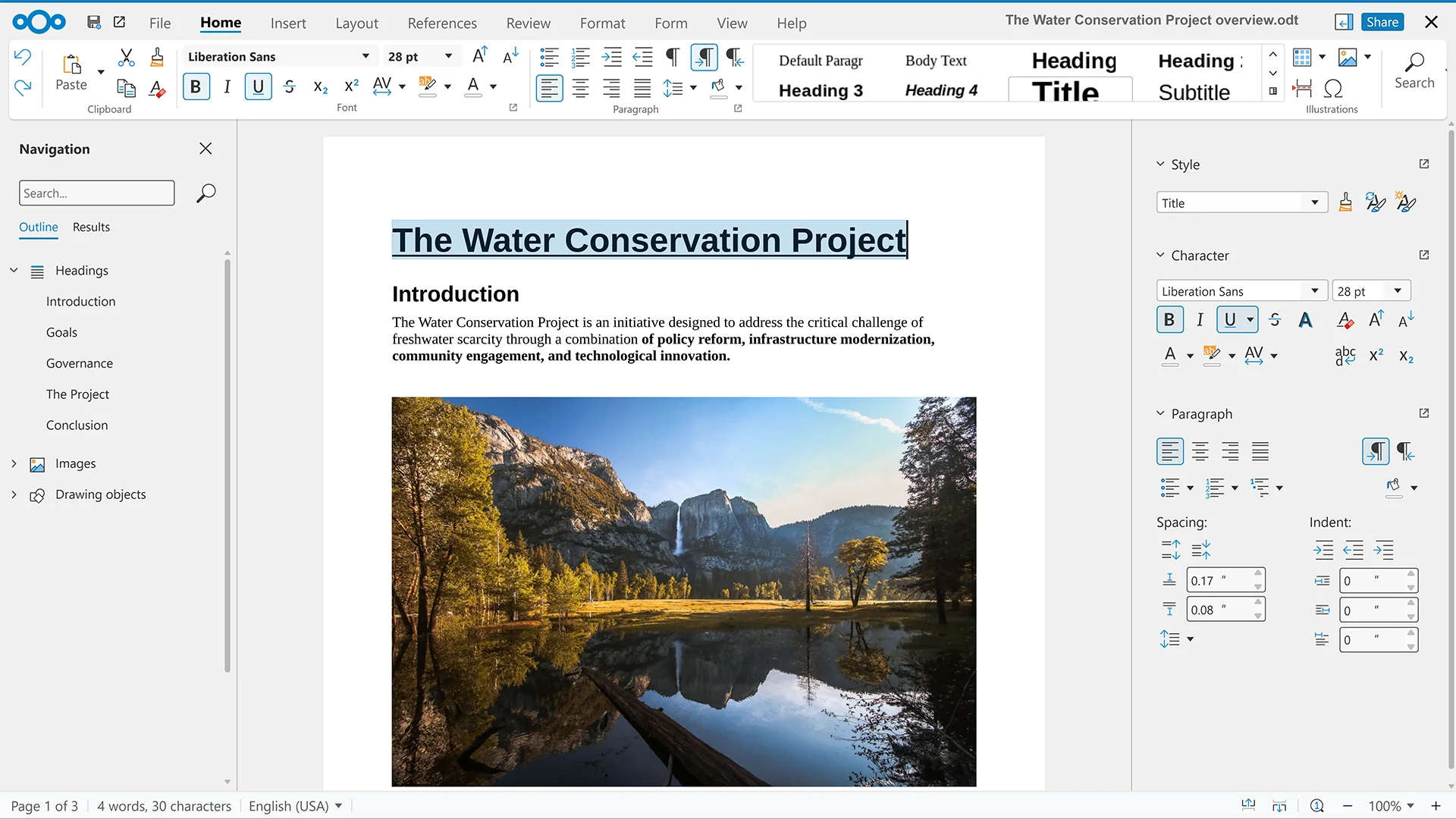
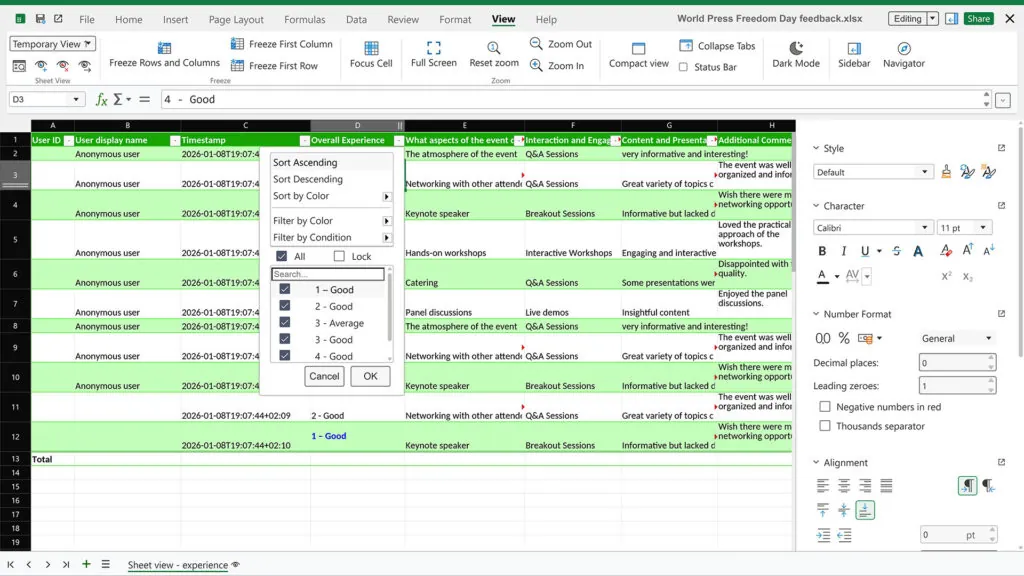
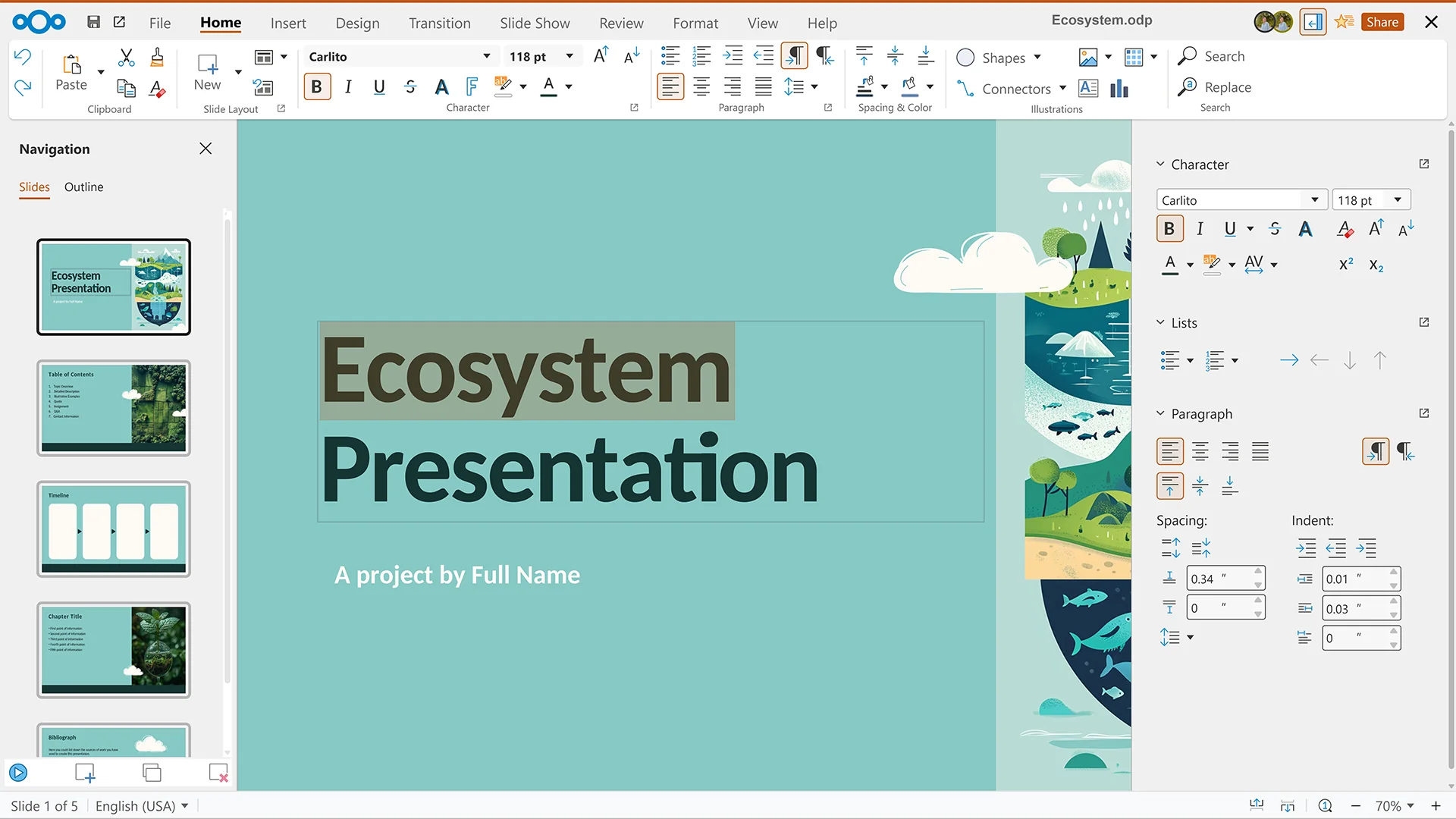
Every file, every device, one place — and editable in the browser. Desktop sync clients keep folders mirrored across the team's laptops; native mobile apps handle camera-roll auto-upload and offline favourites. Open a .docx, .xlsx or .pptx and your colleagues' cursors show up next to yours — full Microsoft Office format fidelity, no conversion. Public links share a file with anyone, password and expiry optional.
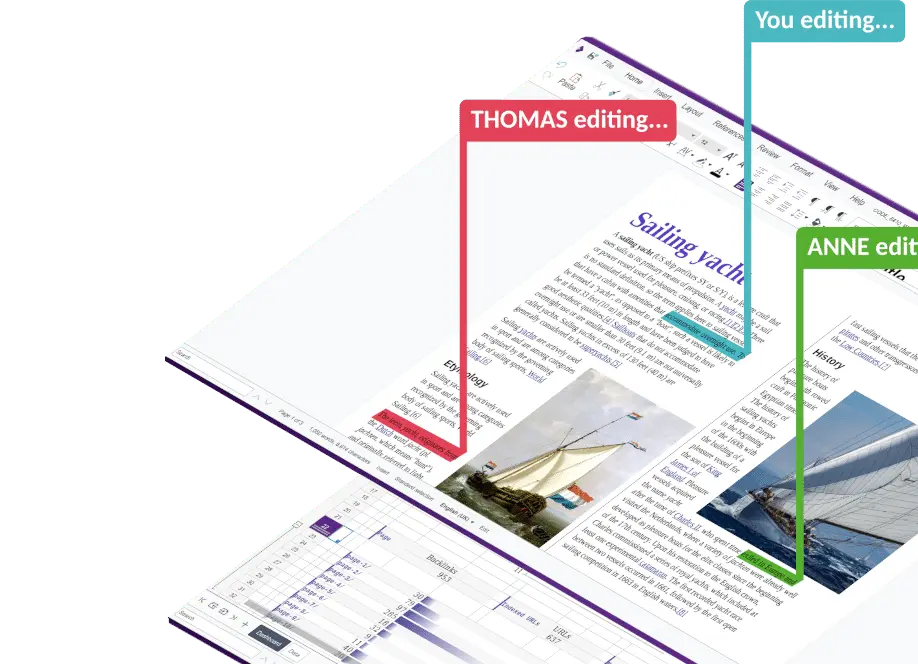
Collabora Online · Collabora Productivity
№ 01 · Featured
Real-time co-editing of .docx, .xlsx, .pptx
Open an Office document in the browser; see colleagues' cursors as they type. Multiple cursors, presence indicators, instant save — exactly like Word/Excel/PowerPoint Online.
✓ Included in every tier
Nextcloud Hub Office · Nextcloud GmbH
№ 02 · Featured
Microsoft Office format fidelity
Opens .docx, .xlsx, .pptx without conversion — comments, tracked changes, complex tables, PowerPoint animations all render the way they would in Microsoft Office.
✓ Included in every tier
Nextcloud Hub 10 · Nextcloud GmbH · via nextcloud.com
№ 03 · Featured
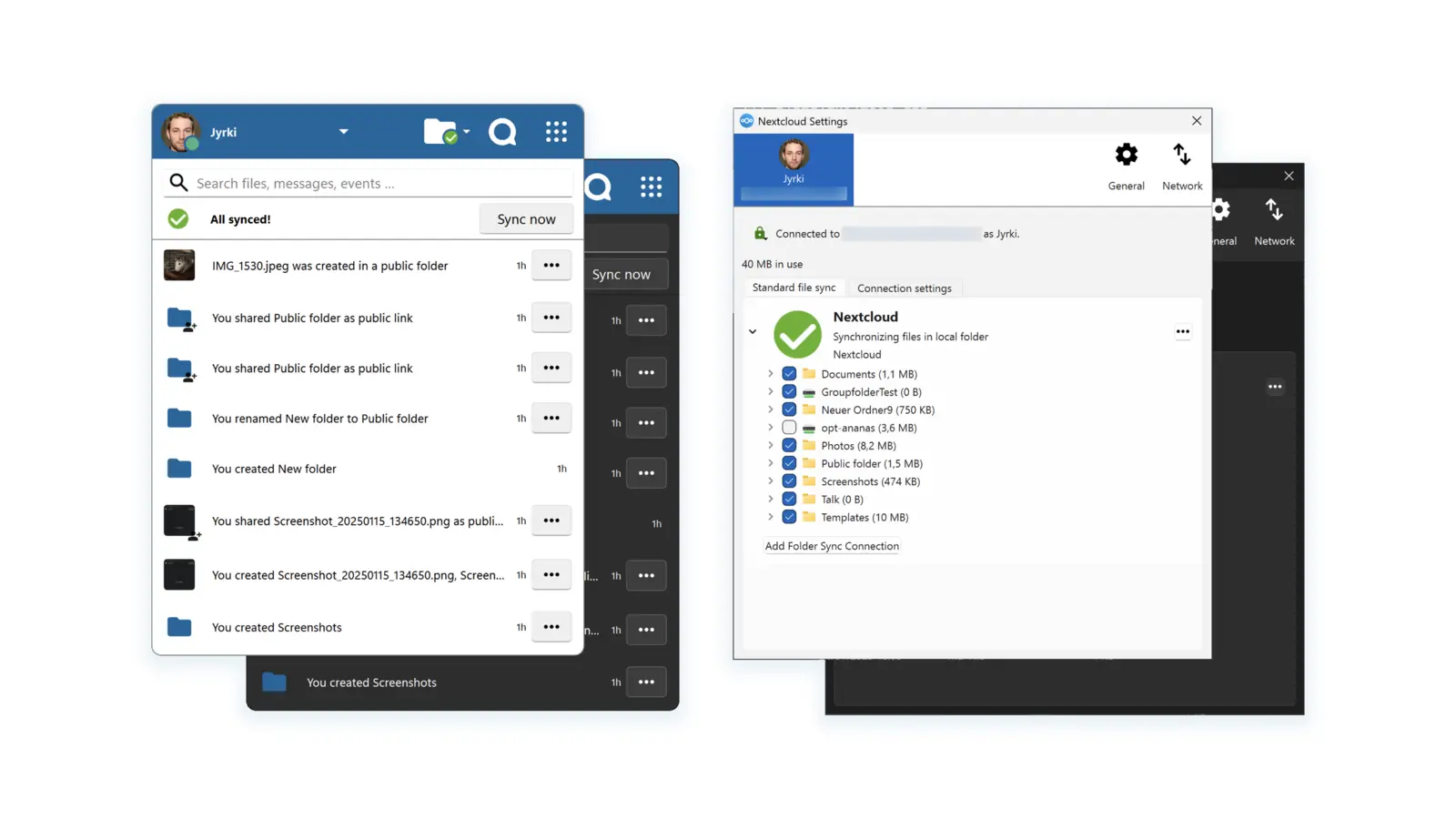
Sync clients for Windows, macOS and Linux
A folder on every laptop, mirrored. Virtual files keep the disk slim — only what you open is downloaded.
✓ Included in every tier
Nextcloud iOS · Nextcloud GmbH · via App Store
№ 04 · Featured
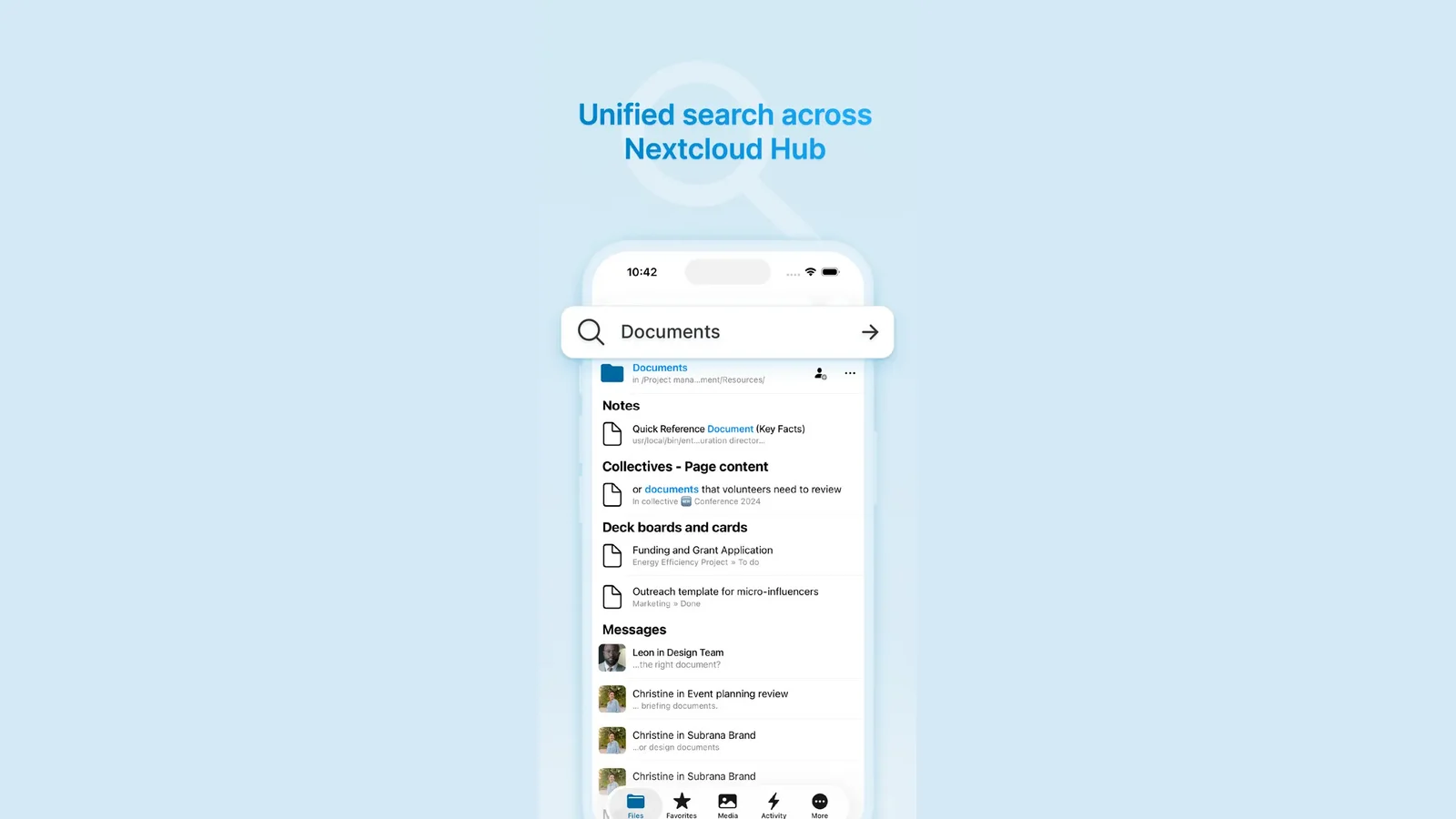
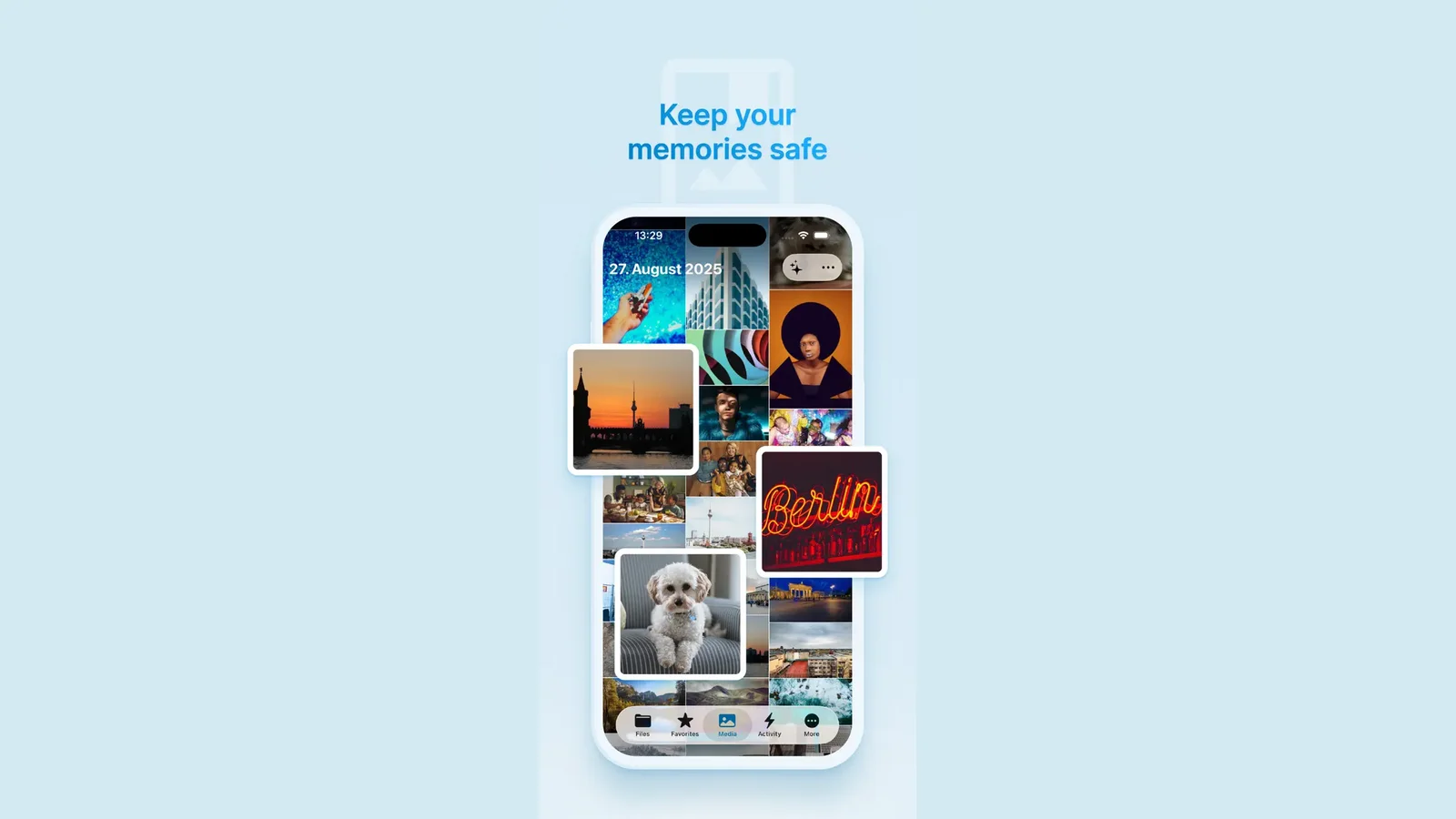
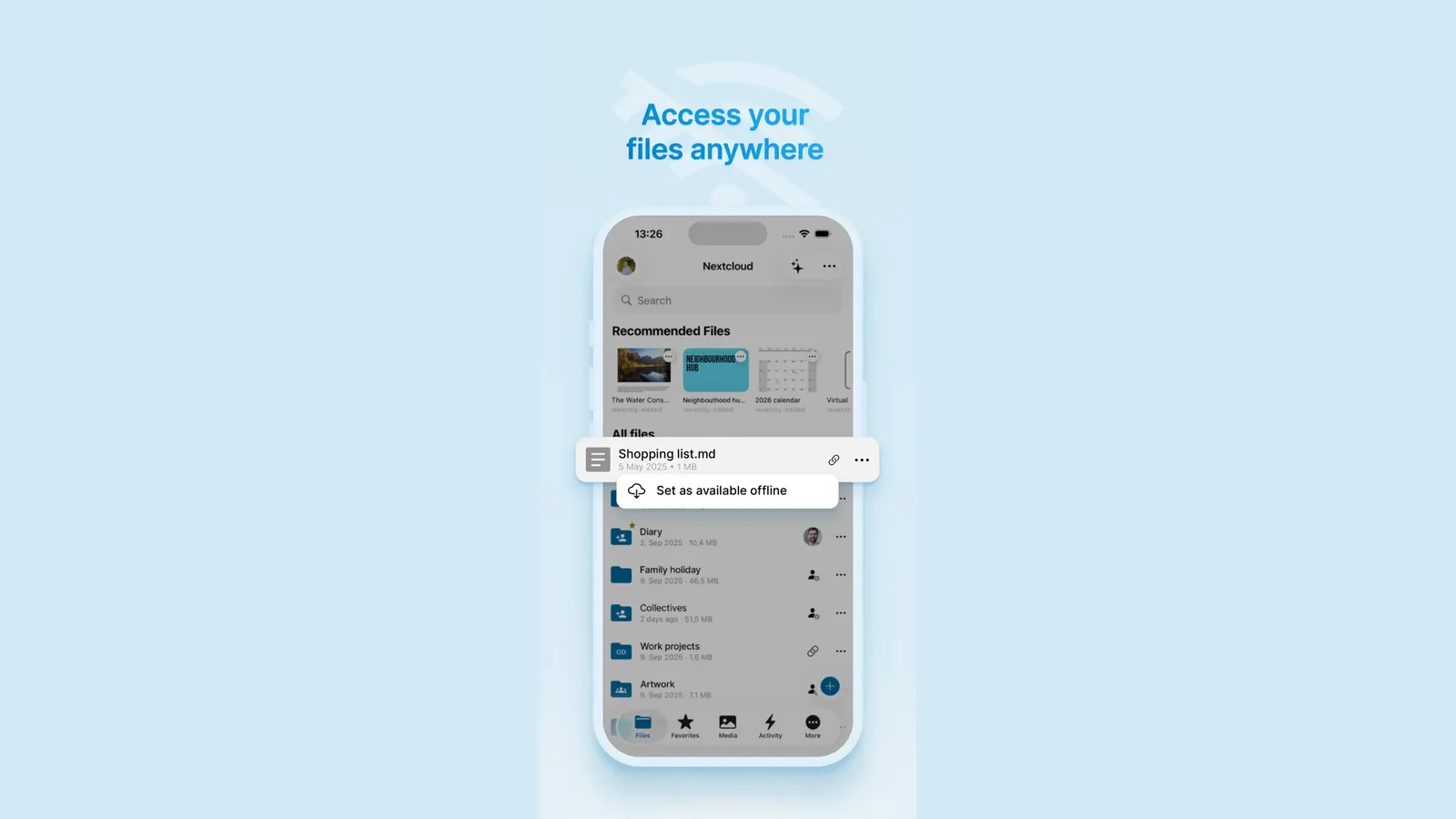
Native iOS and Android apps
Offline favourites, camera-roll auto-upload, in-app document preview — same login as the laptop sync client.
✓ Included in every tier
Nextcloud Hub 10 · Nextcloud GmbH · via nextcloud.com
№ 05 · Featured
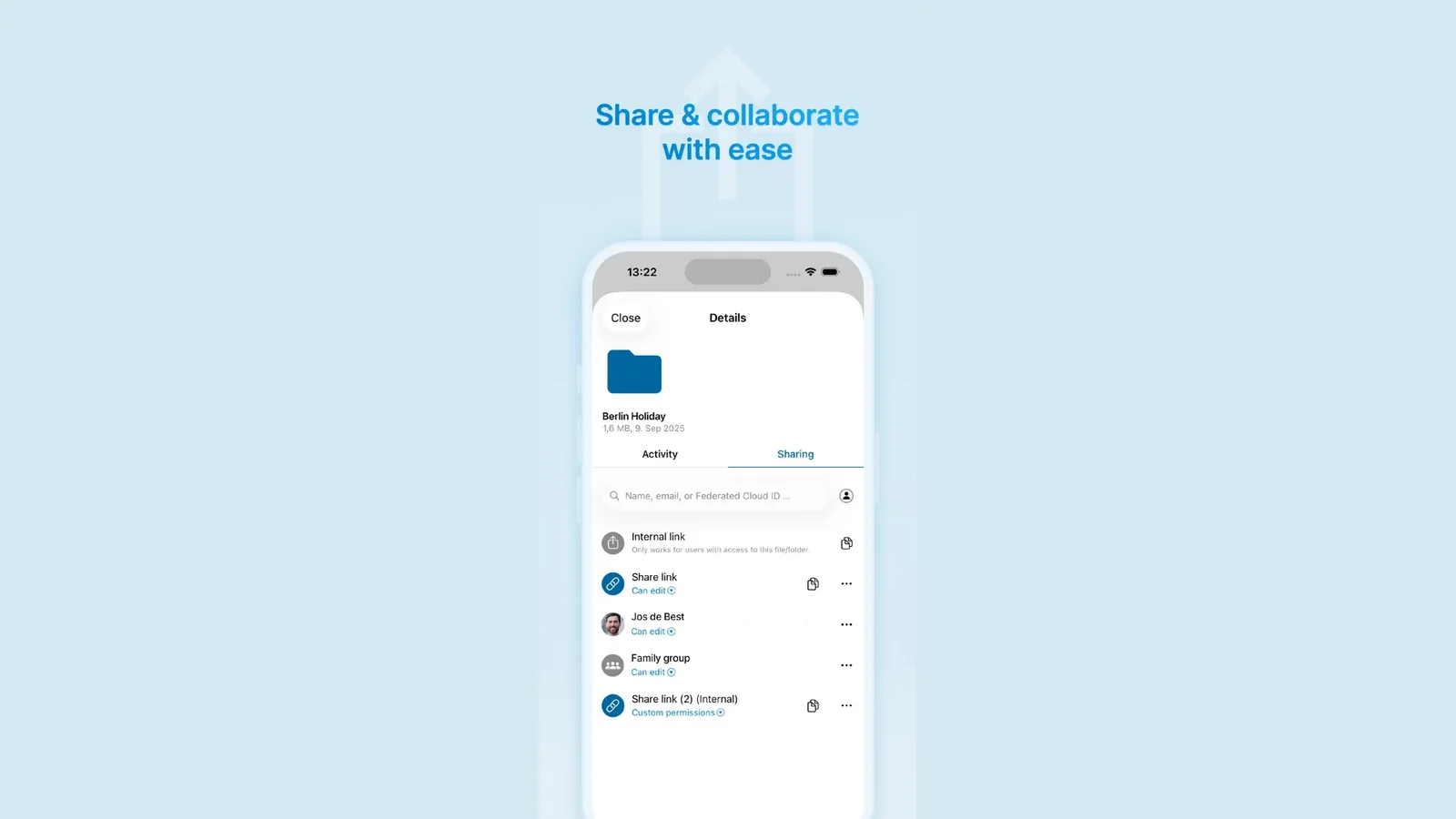
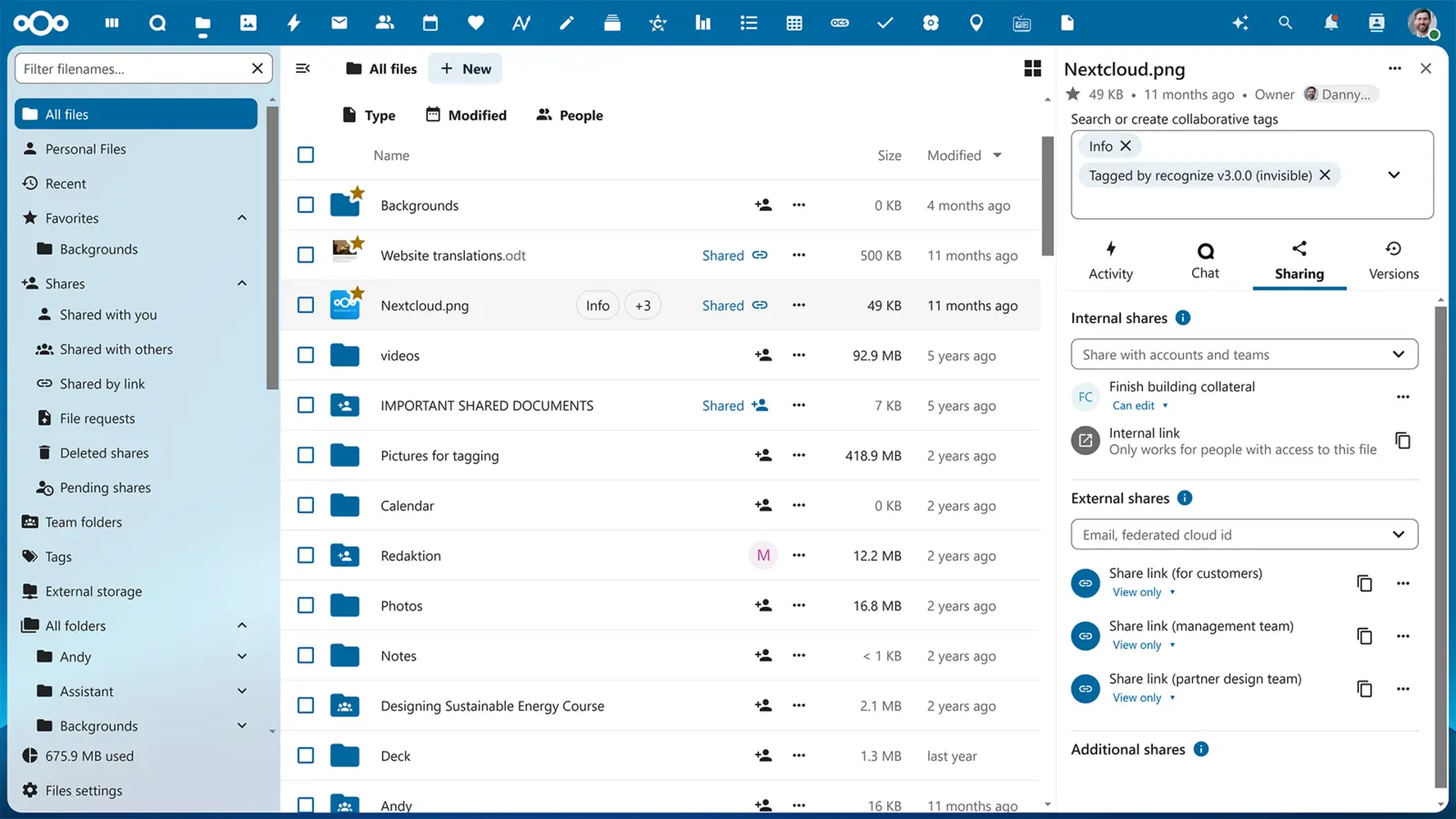
Public share links
Send a link to anyone — even people without an account. Set a password, an expiry date, view-only or download, per link.
✓ Included in every tier
Also included
The operational layer.
Comments, replies and track changes
Threaded reviews in the document margin, accept-or-reject changes, version history per document — what every Word user expects, in the browser.
Mobile editing on iPhone and Android
Native Files apps integrate the office editor — fix a typo on the train, edit a quote from the airport.
File-request links
Send a link that lets someone upload to a folder without ever signing in — for client deliverables, vendor quotes, school forms.
Versioning with one-click restore
Every change keeps a history; trash retains deleted files for a configurable window. Wrong save? One click reverts.
Group folders with team quotas
Shared department spaces with admin-managed access lists and per-folder limits.
Mount as a network drive
Open in Finder, File Explorer, or any WebDAV client; works from rclone and scripts.
Activity feed and notifications
Track who changed what and get notified when a watched folder updates.
Server-side encryption at rest
Always on; optional end-to-end encryption per folder for the legally sensitive ones.
Audit logging, watermarking and document signing
Per-user document watermarks, open/edit/download audit trails, in-browser signature capture for compliance-driven workflows.
One thing to know
End-to-end encrypted folders disable server-side previews and search by design — that's the trade-off for true zero-knowledge storage.
Available in
Every tier — in the browser.
Files ships in Core, Mesh and Fleet — same software, same features. The difference between tiers is operational: Mesh and Fleet add a desktop launcher and (for Files) a sync client, and Fleet adds the managed laptops we ship with everything pre-configured.