
№ 01.6 / Office Suite — Knowledge
Knowledge
№ 01.6 · part of the suite
The company memory — pages, attachments, structured forms.
What it does
Where the company memory lives — the onboarding doc that doesn't go stale, the supplier list everyone refers to, the post-mortem with the diagram. Hierarchical pages, rich-text editing, page history with diff. Beyond plain pages, structured forms (registers, equipment lists, request templates) let you stand up small internal apps without a developer.
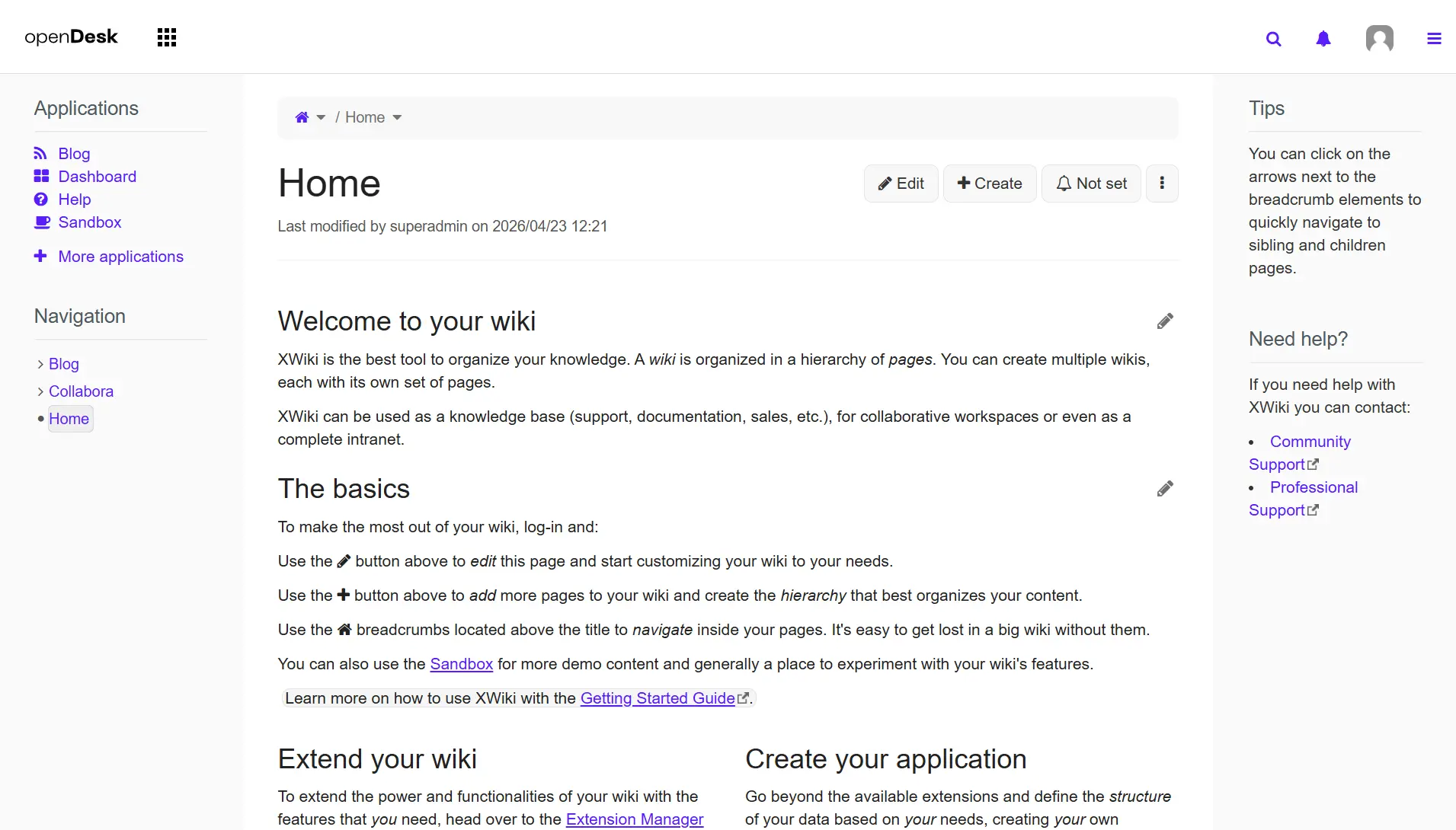
XWiki
№ 01 · Featured
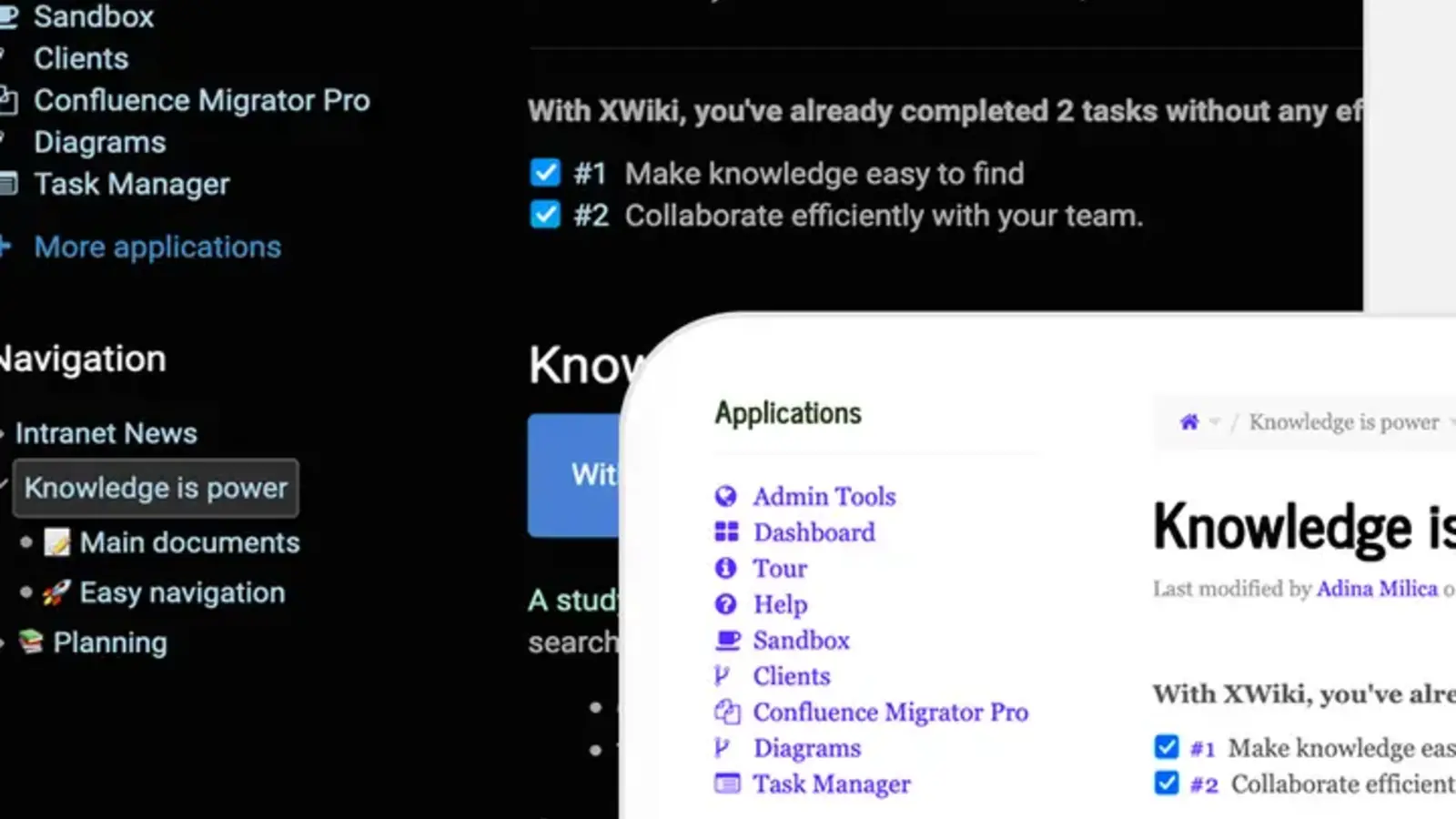
WYSIWYG rich-text editor
Markdown, tables, image paste, code blocks, file embeds — the writing experience teams already know from Notion or Confluence.
✓ Included in every tier
XWiki · XWiki SAS · via xwiki.com
№ 02 · Featured
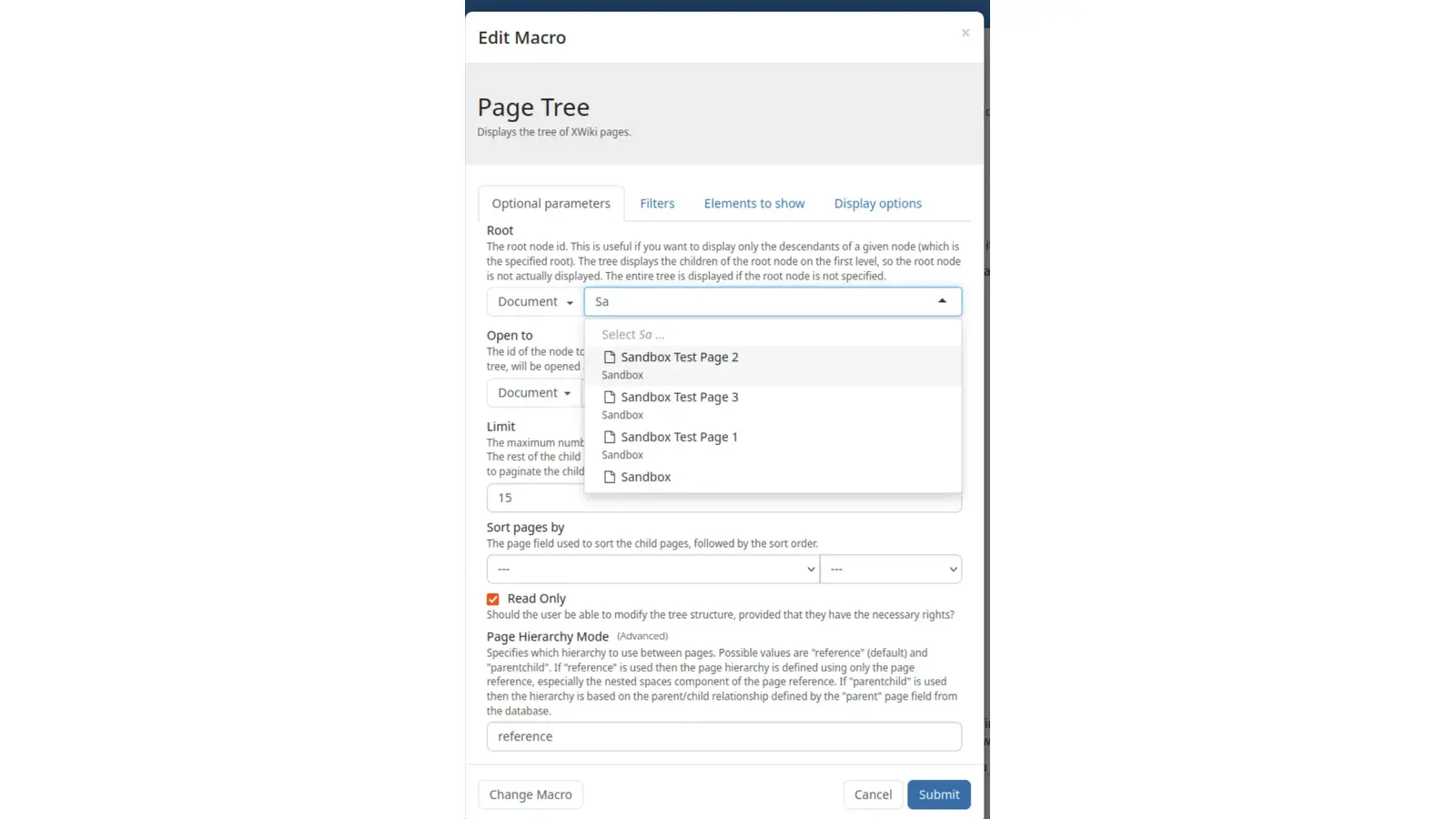
Hierarchical pages with breadcrumbs
Nested children, drag-to-reparent — the structure follows the way teams actually organise the company memory.
✓ Included in every tier
XWiki · XWiki SAS · via xwiki.com
№ 03 · Featured
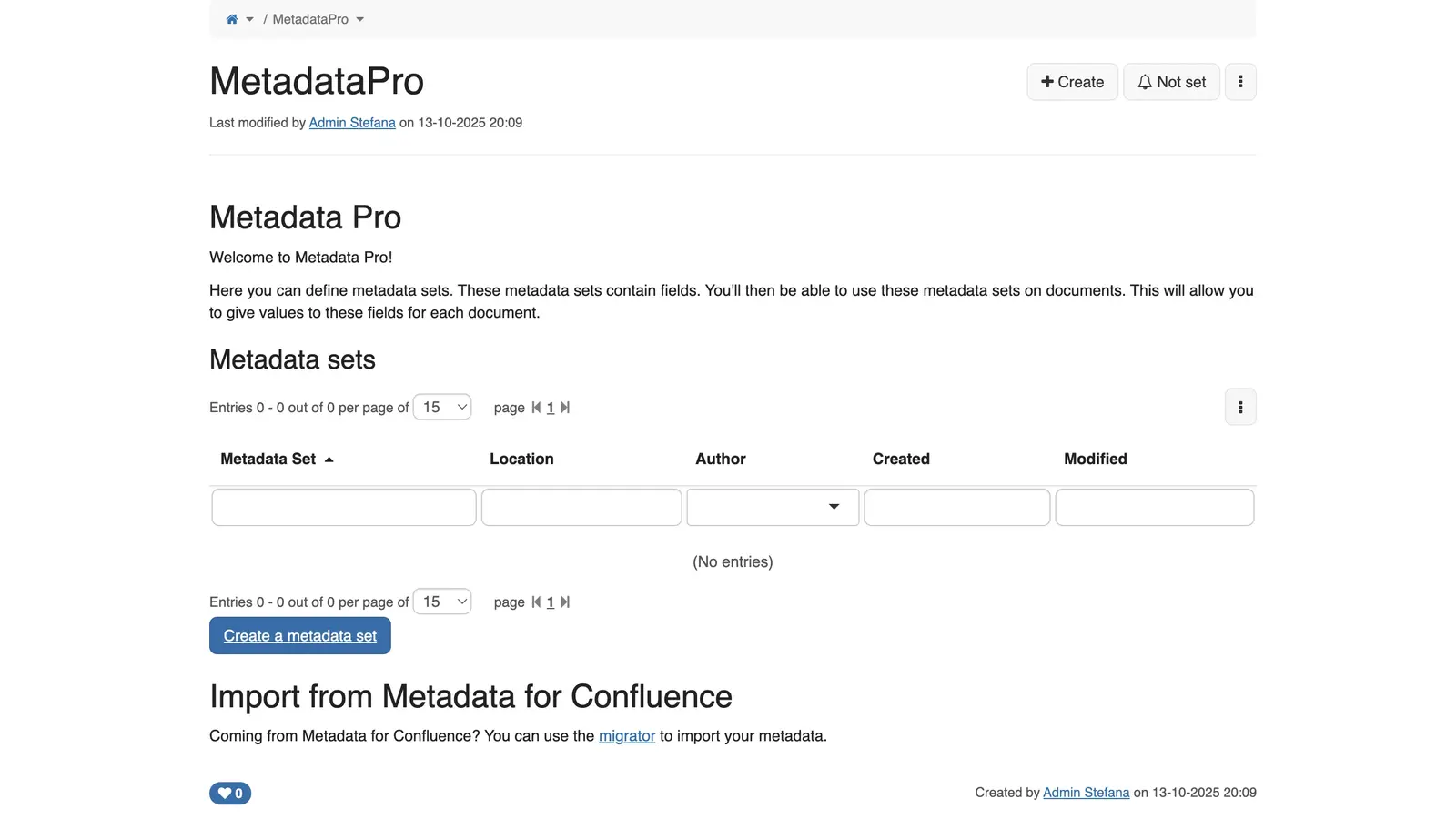
Macros for charts, queries, dashboards
Drop-in components to embed live charts, query data from other pages, render dashboards inside the knowledge base itself.
✓ Included in every tier
XWiki · XWiki SAS · via xwiki.com
№ 04 · Featured
Structured forms without code
Build a register, equipment list, request form or staff directory — no developer required, just the in-browser UI.
✓ Included in every tier
Also included
The operational layer.
Full-text search across pages and attachments
Indexes Word, PDF, spreadsheets — search hits content inside attached files, not just page titles.
Page history with diff and revert
Every edit is stored; one-click revert to any prior revision.
Page-level access rights
View, edit, comment, admin — per user, per group, per page or whole branch.
Comments and watch lists
Discuss inline, subscribe to a page, get notified on changes.
File attachments with preview
Office docs render in-page; images, PDFs, archives all attach cleanly.
Extensions marketplace
Charts, diagrams, project trackers, custom skins — added without touching code.
Available in
Every tier — in the browser.
Knowledge ships in Core, Mesh and Fleet — same software, same features. The difference between tiers is operational: Mesh and Fleet add a desktop launcher and (for applicable apps) a sync client, and Fleet adds the managed laptops we ship with everything pre-configured.